
10 Databases for Sales Compared: Coverage and Data Quality
10 Databases for Sales Compared: Coverage and Data Quality
Pick a sales database on three things: whether it shows you why an account is worth contacting now, how it labels the contacts it isn't sure about, and whether its records fit the way your team already works. Record count ranks fourth. A list of 200 million names is a library, not a prospecting plan, and no small team in the UK, US, Europe or India has the hours to read it.
Each entry below links to the vendor's own pages and to a published figure where one exists, so you can check the claim rather than take the description on trust.
Volume fails because data rots. B2B contact and company records decay at about 22.5% a year, roughly 2.1% a month once compounded, according to Experian's B2B data quality research. Buy a million records and a fifth of them are wrong inside twelve months.
So the useful question isn't how many contacts a database holds. It's how quickly you can find the handful worth an email this week, and how much of each record you can defend.
Table of Contents
- 1. SignalVan
- 2. Apollo
- 3. LinkedIn Sales Navigator
- 4. ZoomInfo
- 5. Cognism
- 6. Lusha
- 7. UpLead
- 8. RocketReach
- 9. Lead411
- 10. Seamless.AI
- How the ten options compare on the attributes that matter for prospecting
- Matching the Database to Your Team and Your Timing
1. SignalVan
SignalVan is the product behind this site, so this entry is a disclosed description, not an independent review. It ranks potential customers by public buying signals, giving sales teams a reason to prioritize one account over another beyond list size.
Setup starts by pasting your website. The agents work out what you sell and who buys it, then you approve the summary. No forms, ICP worksheets or onboarding call. SignalVan searches nine ways, including people asking for help, topic posts, competitors' audiences, hiring activity, new appointments, company news, target accounts, selected posts and local business directories. Company registers and public tenders are included too.
How the signal record works
Each lead shows the buying signal, its source and the date it happened. Signals can point to a timely reason to approach, but they do not prove a prospect will buy. In HubSpot's 2025 State of Sales report, 74% of the 995 sales professionals surveyed across 14 countries said AI makes it easier for buyers to research products. That makes specific, relevant outreach more useful than a generic introduction.
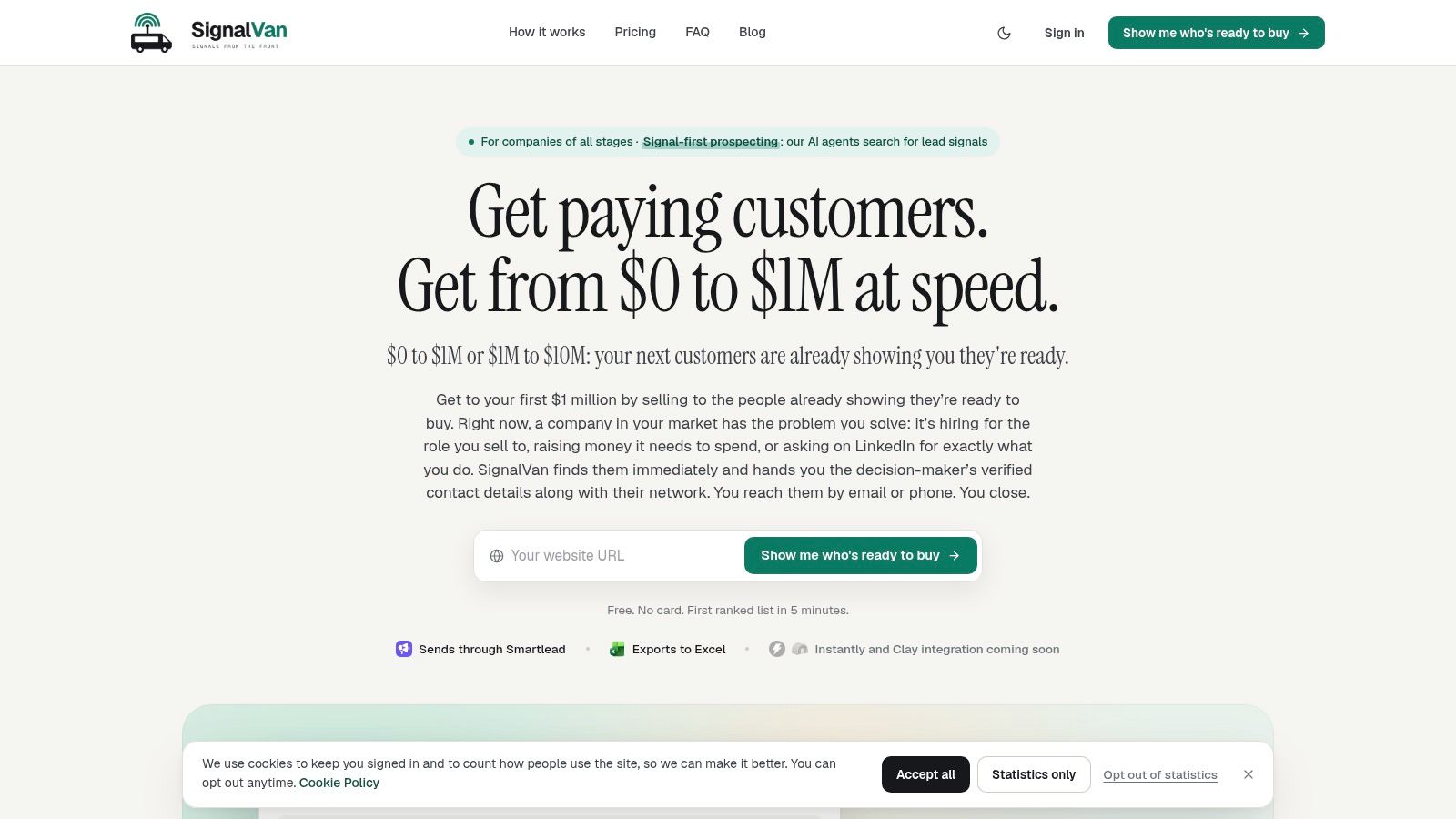
You choose which leads to enrich. SignalVan then reveals verified decision-maker contact details, with contact status shown so uncertain results are not presented as confirmed. You pay for the contacts you choose, not for every name in a search.
The honest framing: a dated hiring post or tender notice gives you a reason to consider an approach, not proof that a purchase is imminent. The ICO's guidance on choosing a lawful basis explains the separate question of whether direct marketing has a lawful basis.
SignalVan drafts opening messages and replies for review. Campaigns are built in your own Smartlead account, and outreach goes out only after you approve the campaign and separately approve sending. Searches are free, with no payment card required to start. You pay only for the contact details you choose; detailed plans and credit packs are still to come. Coverage includes the UK, US, Europe and India. Leads are private to your account, every list can be exported to Excel, Smartlead is available now, and Instantly and Clay are coming soon.
Strengths: dated public signals show why a lead is worth considering; contact verification status is visible; two approvals keep campaign creation and sending under your control; free searches and Excel exports support evaluation.
Limits: Smartlead is the only live sending integration, so teams using another outreach tool will need to adapt their process. SignalVan can identify prospects and provide contact details, but it cannot promise replies.
SignalVan is the entry point for signal-first prospecting.
2. Apollo
Apollo sells convenience. One login covers contact and company search, sequencing, and pipeline tooling, which is why small teams reach for it first. The question worth asking is whether you need the machinery or only the data.
By 2024, 91% of companies with more than 10 employees used a CRM system, while one benchmark put adoption at 47% of businesses with fewer than 10 employees, according to CRM adoption statistics for small business. If you're in that smaller group and have no CRM at all, an all-in-one bundle saves you a second purchase. If you already run HubSpot or Pipedrive, you're buying the data layer and should judge Apollo on record quality alone.
What you get: filtered search across industry, headcount, role and technology; sequences built and managed in-platform; CRM sync so records stay aligned; larger annual credit allowances on paid plans.
Where it holds up: a free tier lets you test the whole workflow before committing, and pricing is published, so you can size a plan against your real monthly volume. Teams that want one vendor for sourcing and sending get that here.
Where it doesn't: contact access and other actions consume credits, which puts a hard ceiling on volume by plan. The engagement layer duplicates work if your team already sends from a preferred platform, and you end up paying twice for the same function.
Practical rule: count how many contacts you actually email in a month before you size a plan. Most teams overbuy on seats and underbuy on verification.
See the Apollo pricing page for current credit allowances.
3. LinkedIn Sales Navigator
Sales Navigator isn't a contact database in the conventional sense, and judging it as one leads to disappointment. It's a research layer over a professional network, and it earns its seat when you need to understand a buying group before you approach it.
That research burden is real. McKinsey's 2024 B2B Pulse Survey found 42% of respondents used more than 11 different touchpoints when researching and evaluating suppliers in 2024. Buyers spread their attention across channels, which means the visible trail on a professional profile is only part of the picture.
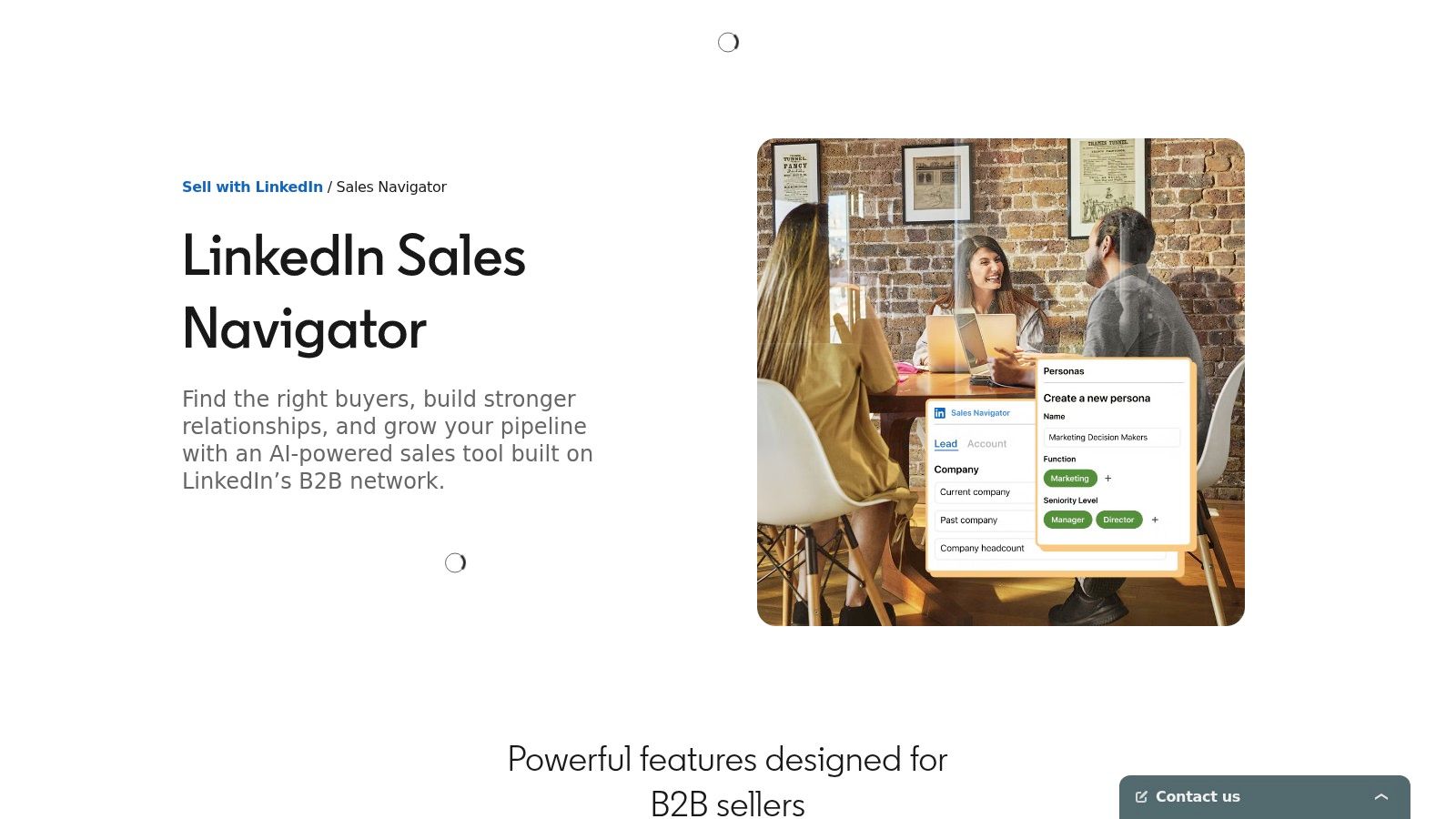
Useful capabilities: advanced lead and company filters; saved prospects, account lists, alerts and InMail; relationship insights and warm-path features on applicable plans; team collaboration and CRM sync on higher tiers.
Limits to accept early: it doesn't return a work email or a mobile number for every prospect, so plan on a separate enrichment provider if calling and emailing are your channels. Team and CRM functionality varies by plan, and some trials are restricted to eligible users.
Where it works best is the awkward middle of a deal, when you know the company and need to work out who the decision-makers actually are and which colleague can introduce you.
Track job changes on your saved accounts. A new sales director in month two is a warmer route than a cold approach to a name that hasn't moved in three years.
See LinkedIn Sales Navigator for plan details.
4. ZoomInfo
ZoomInfo's pitch is breadth, and the breadth is genuine. Contact and company records sit alongside organisational hierarchy, company attributes, intent data and CRM-connected workflows, which suits a team already running a documented sales process.
The catch is that buying groups are messier than a single perfect contact. Pipeline360 research reported that buying groups often contain 10 to 20 people, yet only 41% of US marketers felt confident identifying those individuals, and 75% of B2B marketers ranked compliance as a top priority, as covered in Demand Gen Report's write-up of the data. A database that maps hierarchy and roles handles that reality better than one that returns a single name.
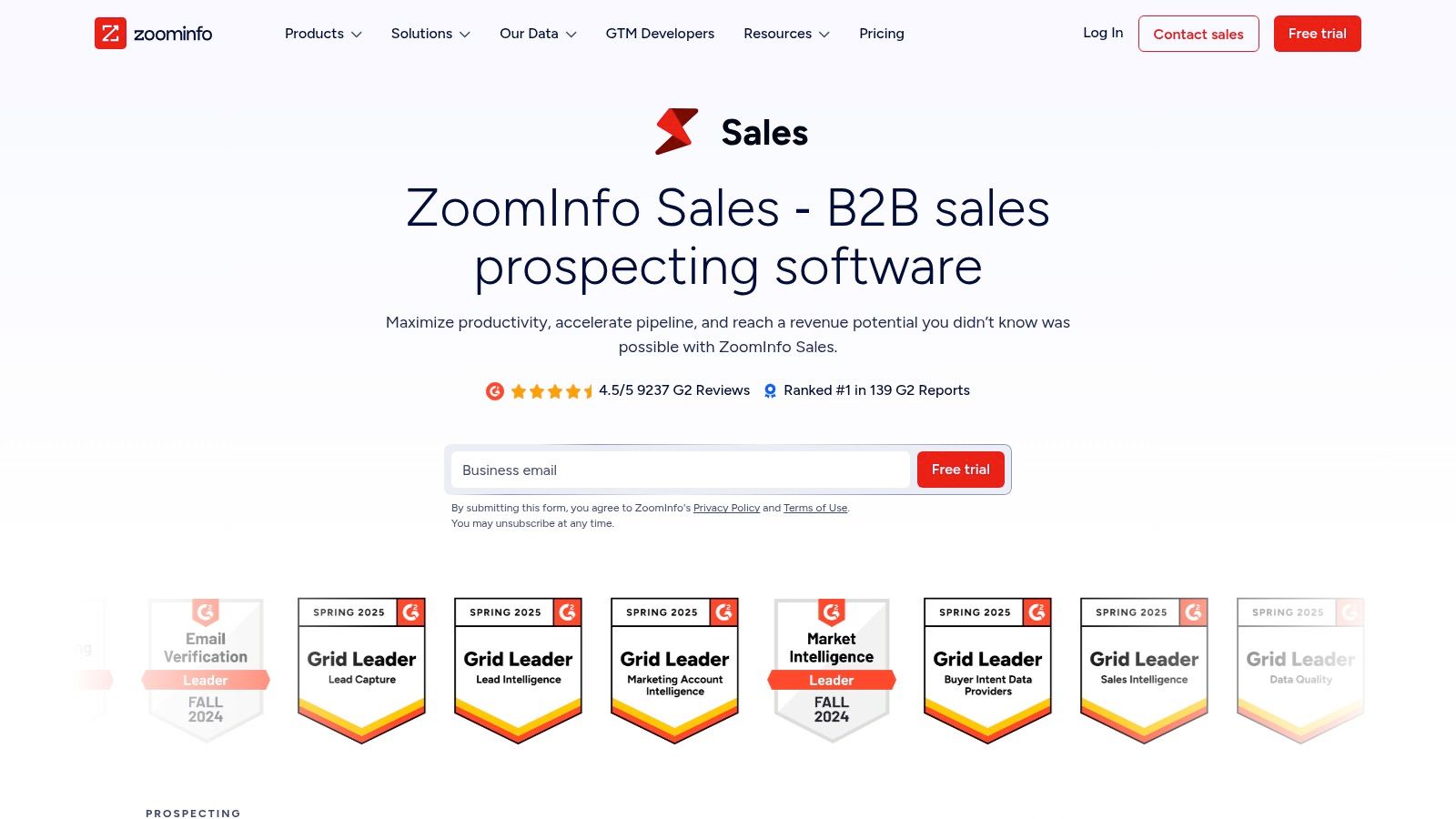
Strengths: account intelligence and workflow in one place; hierarchy data that supports multi-threaded deals; input into high-intent leads work where intent signals feed prioritisation; integrations built for sales and marketing operations rather than individual sellers.
Limits: pricing is quote-based, so you need a sales conversation before you can budget, and the platform's breadth exceeds what a solo seller needs. Coverage in niche industries and non-US markets should be tested with your own list rather than assumed from a demo.
Test this first: export twenty accounts from your own pipeline and check how many contacts ZoomInfo returns per account. If you get one name where you know there are five stakeholders, you've found your gap before you've signed anything.
Start at ZoomInfo's sales product page.
5. Cognism
Cognism is built for teams that pick up the phone. The mobile verification is the feature worth paying for, and the UK and European coverage is the reason to look at it before US-first alternatives.
Compliance is where that matters. The ICO's direct marketing guidance draws a line between corporate subscribers, such as limited companies and limited liability partnerships, where PECR doesn't require consent for marketing email, and individual subscribers, such as sole traders and some partnerships, where unsolicited marketing normally needs consent or a valid soft opt-in. Every message must identify the sender and offer a way out. A supplier that helps you keep company records separate from named individuals makes that line easier to hold.
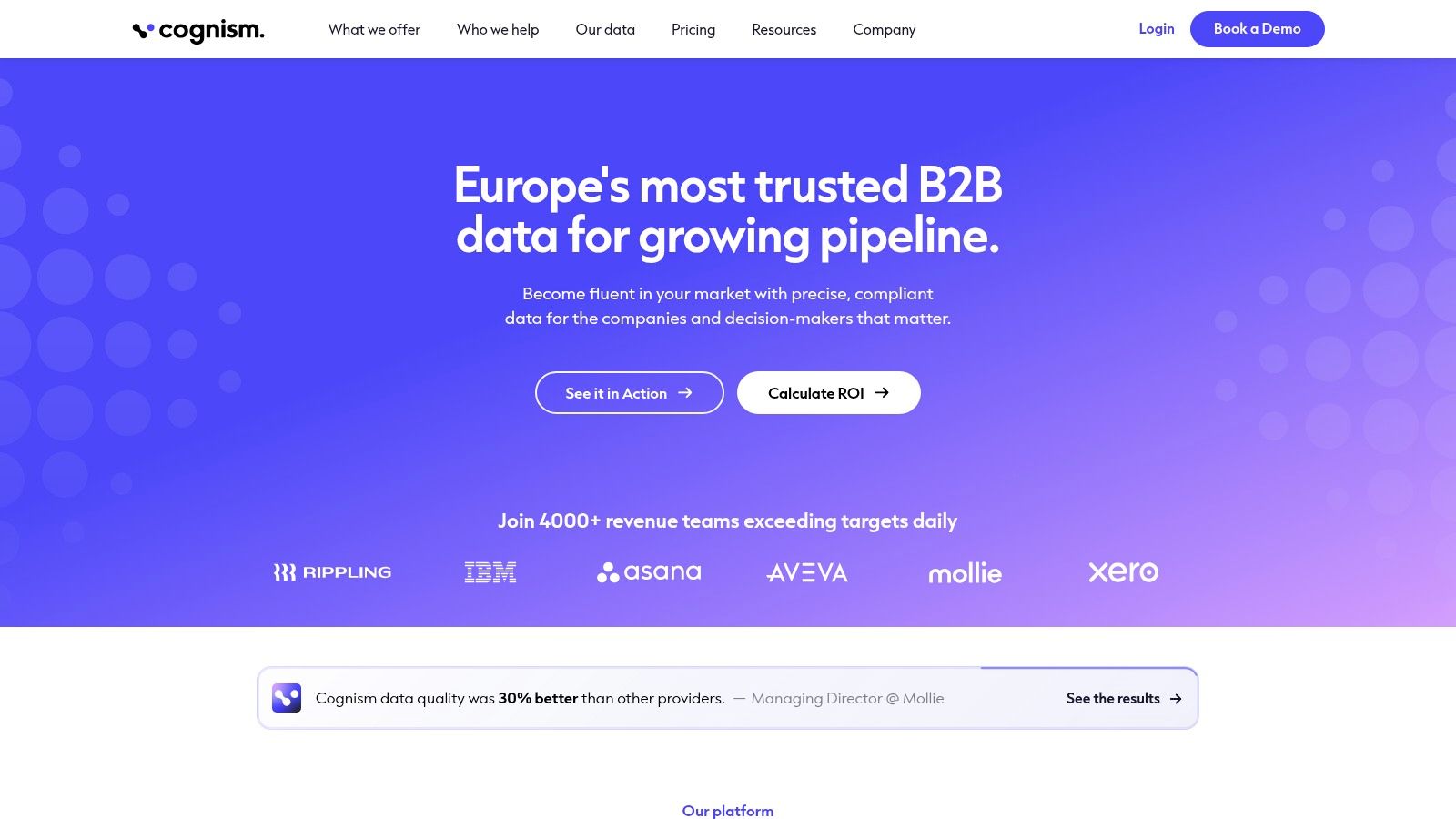
Capabilities: contact and company search with firmographic and technographic filters; phone-verified mobiles and on-demand verification; signal and intent data for prioritising accounts; CRM enrichment and data delivery.
Trade-offs: packages are customized, so pricing requires a sales conversation rather than a self-serve checkout. The intent and data-delivery features are only worth the money if your team uses them weekly. Coverage for a specific role in a specific country needs checking against your own target list, because verification depth varies by geography.
If verification is the deciding factor, read what email verification actually checks before comparing quotes. A mailbox check tells you whether an address accepts mail. It doesn't tell you whether the person is the right contact or whether you have permission.
See Cognism for package options.
6. Lusha
Lusha is the lookup you do mid-research, not the list you build a quarter on. The browser extension and contact search make it quick to turn a company page into a named person with an email.
Speed creates a trap. The ICO's guidance on the PECR electronic mail marketing rules is explicit that marketing email to individuals needs specific consent unless the narrow soft opt-in applies: an existing customer who bought or negotiated a similar product, details collected during that relationship, and an opt-out offered at collection and in every later message. Consent must be freely given, specific, informed and unambiguous. A verified email is not permission to send.
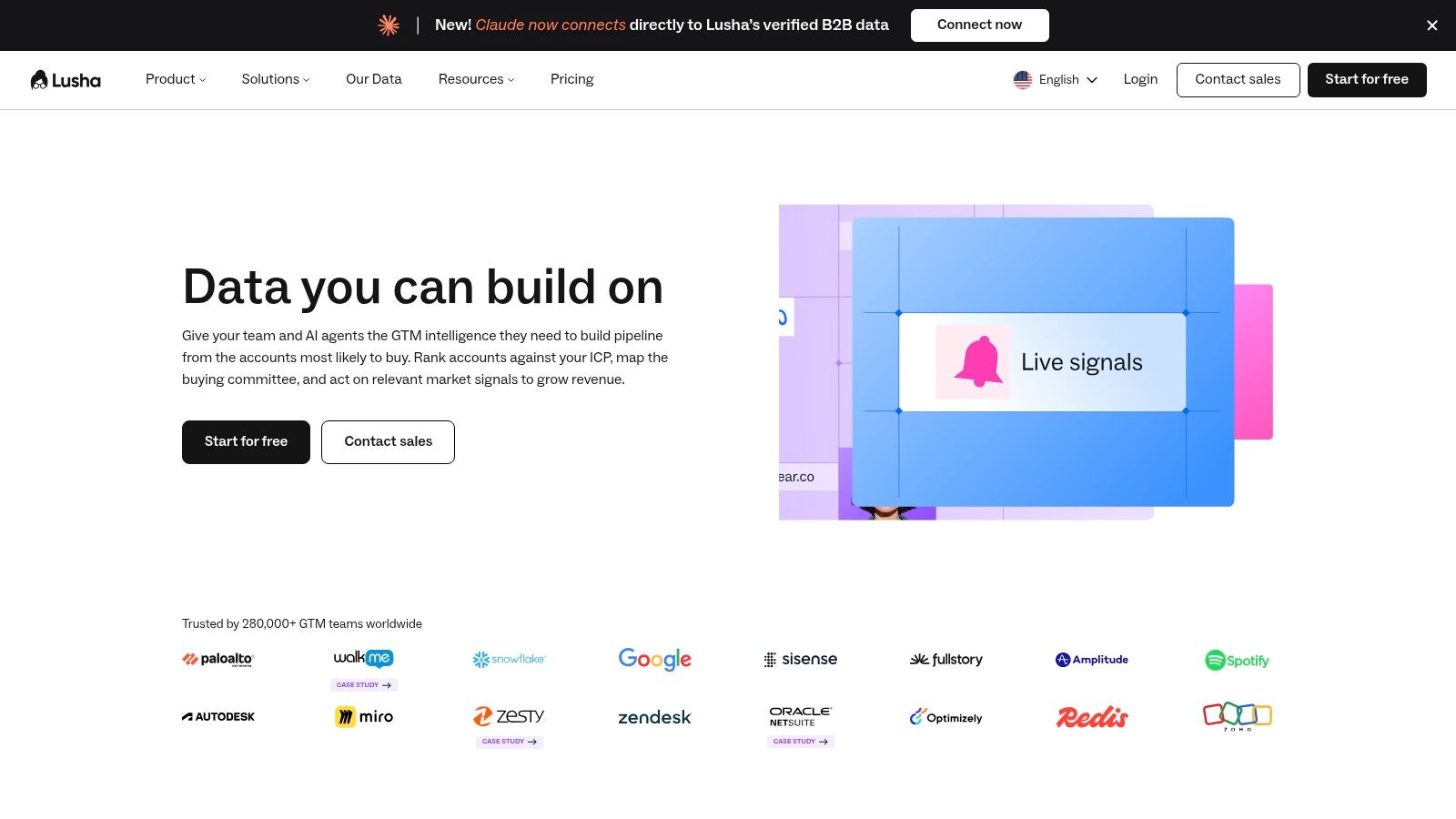
What it does well: verified email and phone lookups; extension-based capture while you browse; bulk enrichment and lookalike features on paid tiers; API and team tools on higher plans. Free access is available without a card, which makes the first test cheap.
What to watch: phone reveals cost more credits than email reveals, and annual plans front-load credits that reset at the end of the cycle. A team doing heavy calling can burn through an allocation faster than expected, so model the credit mix before choosing a tier.
Buy for the channel you actually use. A team that sends 200 emails a week and makes ten calls doesn't need the phone-heavy tier.
See Lusha's plans for credit allowances.
7. UpLead
UpLead competes on verification discipline rather than coverage, which is the right fight. Contacts are checked in real time before download, and the search filters let you define an audience tightly enough to avoid paying for near-misses.
That discipline addresses a real gap. SuperOffice's CRM statistics roundup reports that 74% of CRM users say the system improves access to customer data, yet 47% report that data-quality problems significantly affect satisfaction, and only 37% of sales representatives believe their organisation fully maximises its CRM. Adoption isn't the problem. Trustworthy records are.
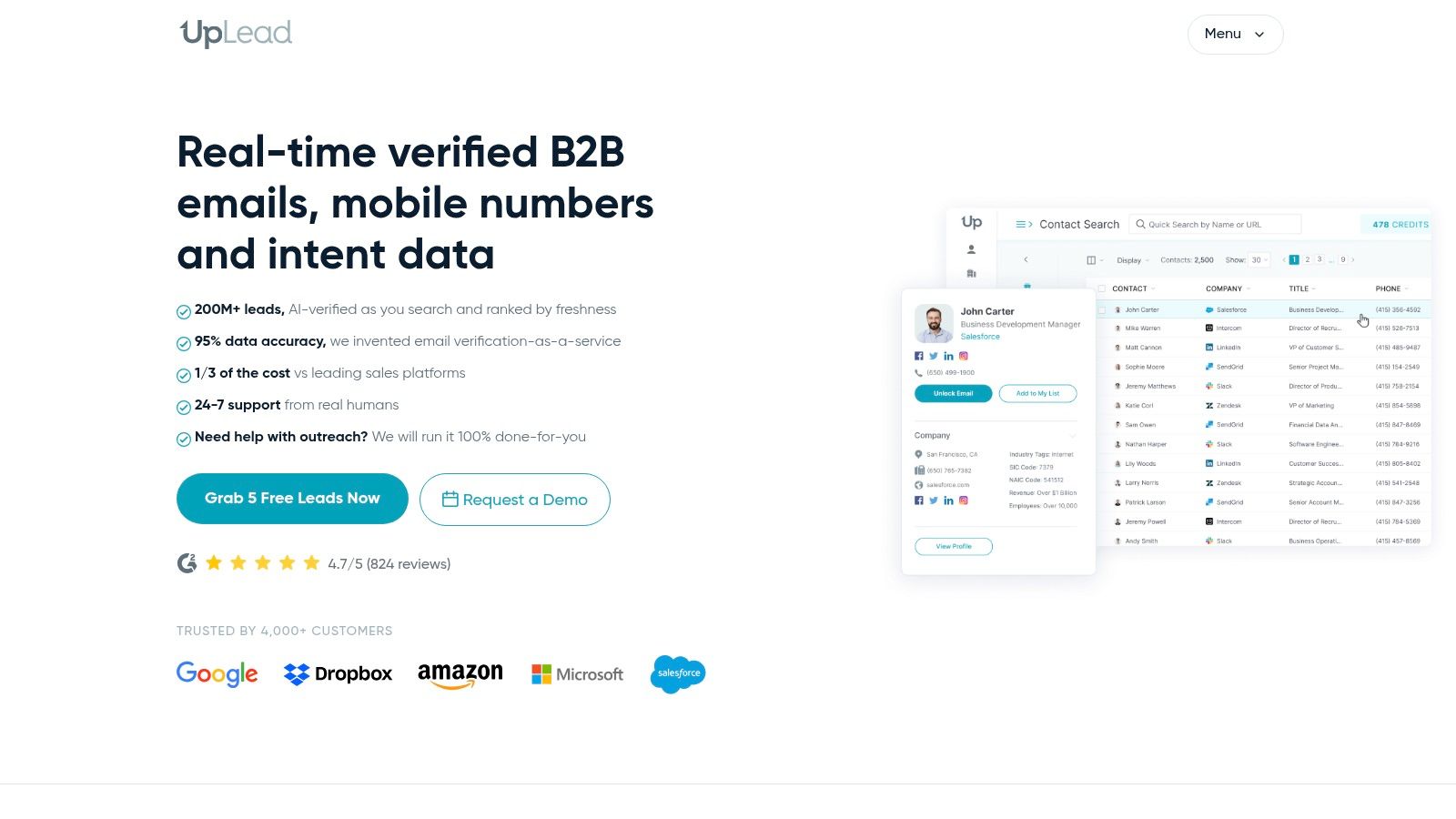
Features: contact search with company and role filters; exports with email and mobile direct-dial details; technographics and enrichment on higher plans; CRM and sales-tool integrations plus a Chrome extension.
Constraints: standard self-serve plans are single-user accounts, and team management sits on the custom Professional tier. Contact volume is capped by credits. A short trial with a handful of credits lets you test coverage against one narrow audience, which is the only test that counts.
Verdict: the strongest fit is a solo seller or two-person team that wants clean emails and direct dials without an engagement suite attached.
See UpLead for plan and trial details.
8. RocketReach
RocketReach is a finder, not a prospecting engine. It's most useful when you already know which person or company you want and just need a route in, or as a second lookup when your main database returns nothing.
That makes the buying decision simple. Judge it on hit rate against the twenty names you care about today, not on the size of the index.
Features: professional contact and detail search; email-only and phone-enabled tiers; export and integration options; a small free allowance for testing individual lookups.
Strengths: the tier split lets you buy email access without paying for phone data you won't use, which suits content-led and inbound follow-up work. It complements a broader database well for named-account research, and the free allowance is enough to sanity-check a handful of records.
Limits: export limits constrain how many records you can move into a CRM or sequencer, so a bulk list build will hit the ceiling. Phone details require the higher tier. Published plan structures change, so confirm the current terms on the site rather than relying on a comparison from last year.
Treat any single-contact finder as a spare key. It's excellent when it opens the door and useless as a strategy for the whole building.
See RocketReach for current plans.
9. Lead411
Lead411 mixes contact records with company activity, including hiring and funding triggers. That's closer to a signal-based approach than most list sellers get, and it's worth testing if you want a reason to call rather than a filter alone.
Buyers behave in ways you can observe. HubSpot's 2024 B2B Buyer Survey of 422 US purchasing decision-makers found that 60% discovered new software tools through social media, compared with 41% through marketing emails. Public activity is often where a need surfaces first, which is the logic behind trigger-based prospecting.
Features: verified email and direct phone details; filters across companies, people and technology; growth triggers from hiring and funding activity; CRM integrations, API access and a browser extension on applicable tiers.
Strengths: activity signals narrow a list to companies in motion, which beats a static firmographic filter for outbound timing. A free trial and some self-serve pricing make it testable without a procurement cycle.
Limits: plan presentations differ across public pages, so confirm export limits and credit terms in writing before you buy. Higher-value intent and team features often sit on annual or custom plans. A growth signal is a prompt to research, not evidence of an active need, so the qualification work still sits with you.
Verdict: worth a trial for teams that want trigger data without a six-figure platform commitment.
See Lead411 for current plan terms.
10. Seamless.AI
It positions itself on real-time search, returning emails, mobiles and direct dials as you query rather than from a pre-built index. Job-change tracking, enrichment and buyer-intent add-ons sit around that core, plus light outreach and task tools.
Real-time retrieval is useful for roles that turn over fast, because a record rebuilt at query time is less likely to reflect a job someone left last quarter. It also means credits are consumed by research, so cost depends on how often you search rather than on how many contacts you keep.
Features: real-time contact search for emails and phone numbers; job-change filters and enrichment; buyer-intent and account-qualification add-ons; in-platform email, calling and task management.
Strengths: the free plan includes 50 credits, enough for an initial test. Contact discovery and engagement functions live together, and enterprise options exist for teams that need custom access and support.
Limits: paid pricing requires a sales conversation, and the add-on structure makes total cost hard to compare from the public page. Credits burn during research, which penalises exploratory searching. Test with a narrow audience before you widen out.
Any tool that charges for research rewards a tight brief. Write the filter before you open the search box.
See Seamless.AI for access options.
How the ten options compare on the attributes that matter for prospecting
Read the table as a fit check, not a ranking. The decisive columns are buying-signal context and contact verification: whether a tool shows dated evidence for why now, and whether it labels doubtful contact data clearly.
| Item | Core focus | Buying-signal context | Contact verification | Best for |
|---|---|---|---|---|
| SignalVan | Prospecting from public buying signals | Searches nine discovery methods and ranks leads with source and date | Mailbox-checked work emails and carrier-verified mobile numbers; uncertain results labelled | Founders and B2B teams seeking timely, signal-led outreach |
| Apollo | B2B contact and company database with outreach tools | Primarily searchable prospect data; buying signals are not a stated focus | Contact access uses plan-based credits | Teams wanting lead sourcing and engagement in one platform |
| LinkedIn Sales Navigator | Prospect and account research on LinkedIn | Alerts track prospect and account changes | Typically needs a separate provider for verified email and phone data | Teams researching decision-makers and relationship paths |
| ZoomInfo | Go-to-market intelligence and sales workflows | Includes intent data and account context | Provides business contact records; coverage should be tested | Larger organizations coordinating prospecting through CRM workflows |
| Cognism | Business contact data with compliance emphasis | Includes signal and intent data | Phone-verified mobile numbers and on-demand verification options | UK and European teams prioritizing calling and regional compliance |
| Lusha | Contact and company data, lookup, and enrichment | Signals available on higher plans | Email and phone lookups; phone reveals use more credits | Individual sellers and small teams enriching records during research |
| UpLead | B2B prospect database and contact search | Buying signals are not a stated focus | Verified email and mobile direct-dial details | Individuals or small teams building filtered prospect lists |
| RocketReach | Person-level professional contact lookup | Buying signals are not a stated focus | Professional email; phone access on relevant plans | Sellers looking up known people or supplementing another database |
| Lead411 | Contact data combined with company growth signals | Tracks activity such as hiring and funding | Verified email and direct phone details | Teams prioritizing companies showing growth or change |
| Seamless.AI | Real-time prospecting and engagement tools | Job-change tracking and buyer-intent add-ons | Searches for business emails, cell phones, and direct dials | Teams combining contact discovery with basic engagement features |
The trade-off is where the work lands. Stronger signal context narrows the list before outreach, while plain lookup tools leave more timing judgement and list cleanup to the rep.
Matching the Database to Your Team and Your Timing
Start with the workflow you already run, not with a feature list. Write down the four steps your team repeats each week: finding accounts, confirming a contact, writing the first line, and sending. Then ask which step each vendor removes and which step it adds. A tool that speeds up contact discovery but forces you into an unfamiliar sending platform has moved the work, not reduced it.
Next, test two or three options against the same target list. Pick the twenty accounts you most want this quarter and run each vendor on that identical brief. Record how many accounts each returns, how many contacts per account, how many emails verify, and how each labels the ones it can't confirm. That last column separates the serious tools from the rest. A vendor that returns a catch-all address and calls it verified has taught you not to trust its other claims.
Then check the limits that only appear in the contract. Credits per action, export caps, seat minimums, annual credit resets and quote-only pricing all affect the actual cost. Confirm every one on the vendor's own pricing page or in writing before you commit, because a comparison written last year may already be out of date.
Satisfaction alone won't tell you whether a database is working. A survey of 500 sales directors and more senior staff in the US and UK, published in monday.com's CRM survey, found 61% were at least somewhat satisfied with their CRM while describing it as one of the most time-consuming tools in their workflow. Moderate contentment with heavy admin is not a recommendation. Measure minutes from finding an account to approving a message, and watch whether that number falls over a month.
Keep the decision close to your timing. A database that surfaces an account the week a role opens is worth more than one that surfaces the same account three months late with a cleaner job title. For most small teams, the winning combination is a source of buying signals, a verification step you trust, and a sending tool you already control.
Paste your website at signalvan.com to see who's ready to buy this week.
SignalVan builds the prospect list from public evidence rather than a static index, so every row shows the buying signal, its source and the date, and you only pay for verified contact details on the leads you choose. Paste your website, approve the summary of what you sell and who buys it, then approve each message before it sends through your own Smartlead account. Start free with no card at SignalVan and test it against the twenty accounts you want most this quarter.
Keep reading

Excel Export Data: How to Keep Your Formatting Intact
Excel Export Data: How to Keep Your Formatting Intact
Marketing Software for Agencies: Top Picks for 2026
Marketing Software for Agencies: Top Picks for 2026
Lead Generation Software: 10 Tools That Find Real Buyers
Lead Generation Software: 10 Tools That Find Real Buyers
Start with your website.
See your first leads, with the reason each one is there.