

Lead Generation Software: 10 Tools That Find Real Buyers
Lead Generation Software: 10 Tools That Find Real Buyers
Which tool finds buyers, not just contacts? Every tool on this list finds leads, but each handles a different part of deciding who's worth contacting now. The best lead generation software depends on the missing job: finding suitable prospects, checking their timing, getting reliable contact details, or controlling outreach.
A searchable database can identify a finance director at a suitable company. It doesn't necessarily explain why that person needs help this week. A funding announcement, relevant hiring activity or public request for recommendations adds context, but still isn't proof of budget or purchase intent.
Signal-first prospecting prioritises companies showing public buying signals rather than treating every matching account equally. That changes how a list gets ranked, which contacts deserve enrichment, and what the opening message should say.
The comparison below separates prospect discovery, qualification by timing, contact quality and outreach control. It also explains where each tool stops and another needs to take over.
- Discovery isn't qualification. A matching job title establishes relevance, not urgency.
- Verification isn't permission. A working address doesn't establish a lawful basis for contacting its owner.
- Automation isn't judgement. Someone still needs to review the evidence, message and next step.
For founders seeking their first paying customers, those distinctions matter more than a long feature list.
Table of Contents
- 1. SignalVan
- 2. Apollo.io
- 3. LinkedIn Sales Navigator
- 4. Clay
- 5. Hunter
- 6. lemlist
- 7. Lusha
- 8. Instantly
- 9. Cognism
- 10. UpLead
- How the 10 lead generation tools compare
- Pick the Tool That Matches Your Bottleneck
1. SignalVan
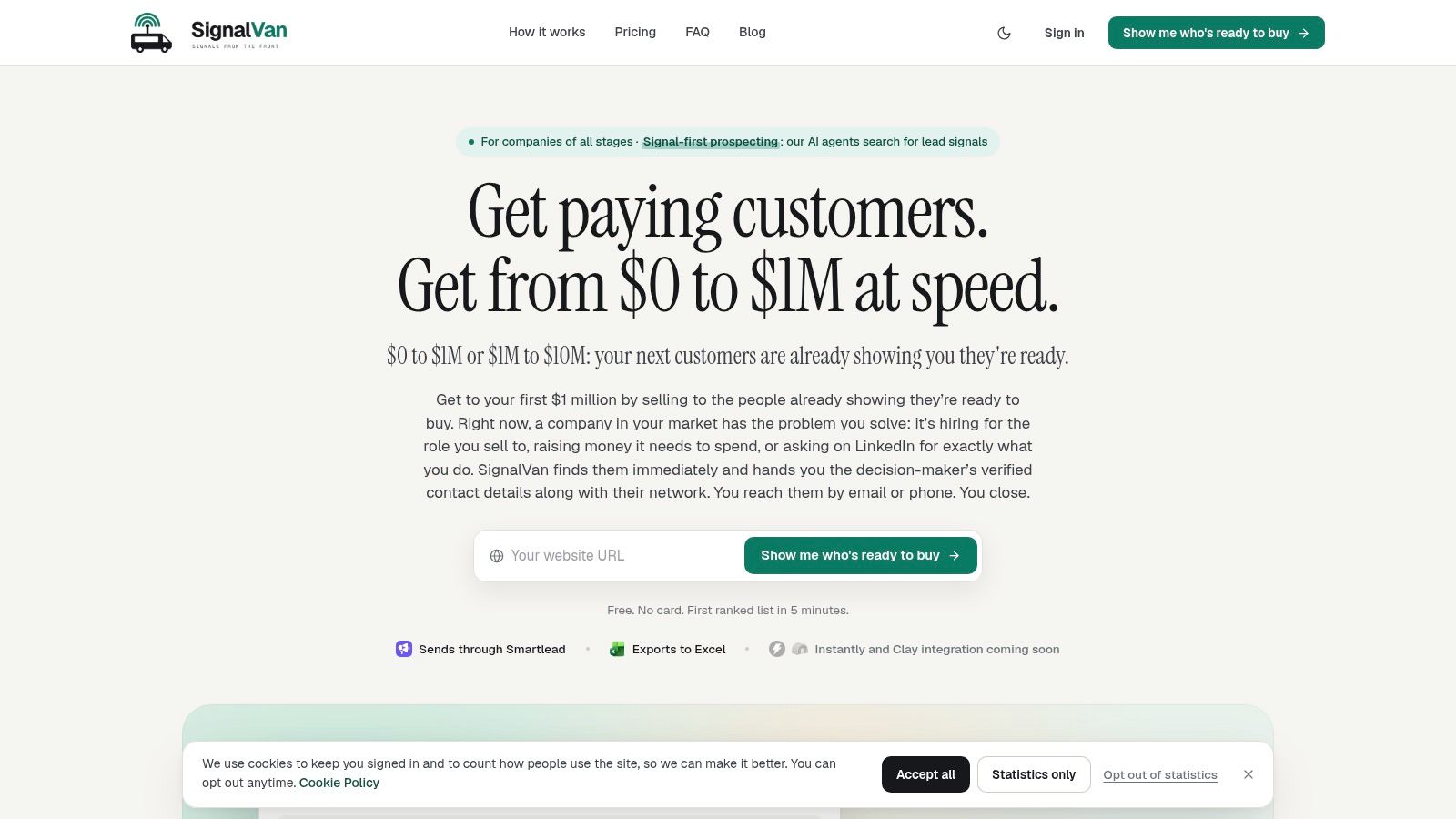
Best for finding an observable reason to approach an account. Setup starts with a website. The agents suggest what the business sells, who might buy and where to search, then the customer approves the summary.
Discovery covers help requests, topic posts, competitors' audiences, hiring, new appointments, funding and other company news. Target accounts, selected posts, local directories, company registers and public tenders provide additional routes. Ranked leads include the source, date and reason the prospect matters now.
Where discovery becomes outreach
For selected leads, the platform supplies mailbox-checked work emails and carrier-verified mobile numbers. Catch-all, unknown and doubtful results remain labelled as uncertain rather than being presented as confirmed contacts.
The outreach agent drafts opening messages from observed activity. Customers approve campaign creation and sending separately, and messages leave through their own Smartlead account. Drafted replies also wait for authorisation.
- Strength: Dated evidence, contact checks and message drafting sit in the same workflow.
- Trade-off: Smartlead is the live sending connection. Instantly and Clay integrations are coming soon, not available now.
- Portability: Lead lists export to Excel, useful when another system holds the sales pipeline.
Coverage includes the UK, US, Europe and India. Free initial access doesn't require a payment card, and searches show estimated credit use before starting.
The limitation is interpretation. Someone commenting on a relevant LinkedIn post may be worth researching, but isn't necessarily shopping. Customers still need to assess the evidence, approve outreach and close the sale. Illustrative lead examples aren't customer outcome evidence, and no signal guarantees replies or revenue.
2. Apollo.io
Apollo suits teams that want a database and outreach workspace together. Apollo.io combines contact and company search, enrichment, sequences and prospect activity management. That reduces the handoffs between building a list and starting a campaign.
Its strongest starting point is a defined customer profile. A founder can search for relevant roles at suitable businesses, review records and organise outreach without assembling a separate research workflow.
Timing needs its own test. A contact matching the filters may be relevant without having an active problem. Before sequencing an account, attach a concrete reason for approaching it rather than assuming database inclusion means buying readiness.
Practical rule: Keep the account-selection reason separate from the contact record. A valid email explains how to reach someone, not why the message deserves attention.
Email and phone access use credits, with phone reveals requiring more credits than email reveals. A free plan provides a way to assess whether the database covers the intended market; for paid access, see their pricing page.
The trade-off is breadth. Apollo can replace several basic tools, but a small founder-led campaign may not need its full workflow. Test contact relevance, verification status and sequence controls before moving an entire list into outreach.
Best fit: Teams whose bottleneck is fragmented prospect data and campaign execution, rather than a lack of timely account evidence.
3. LinkedIn Sales Navigator
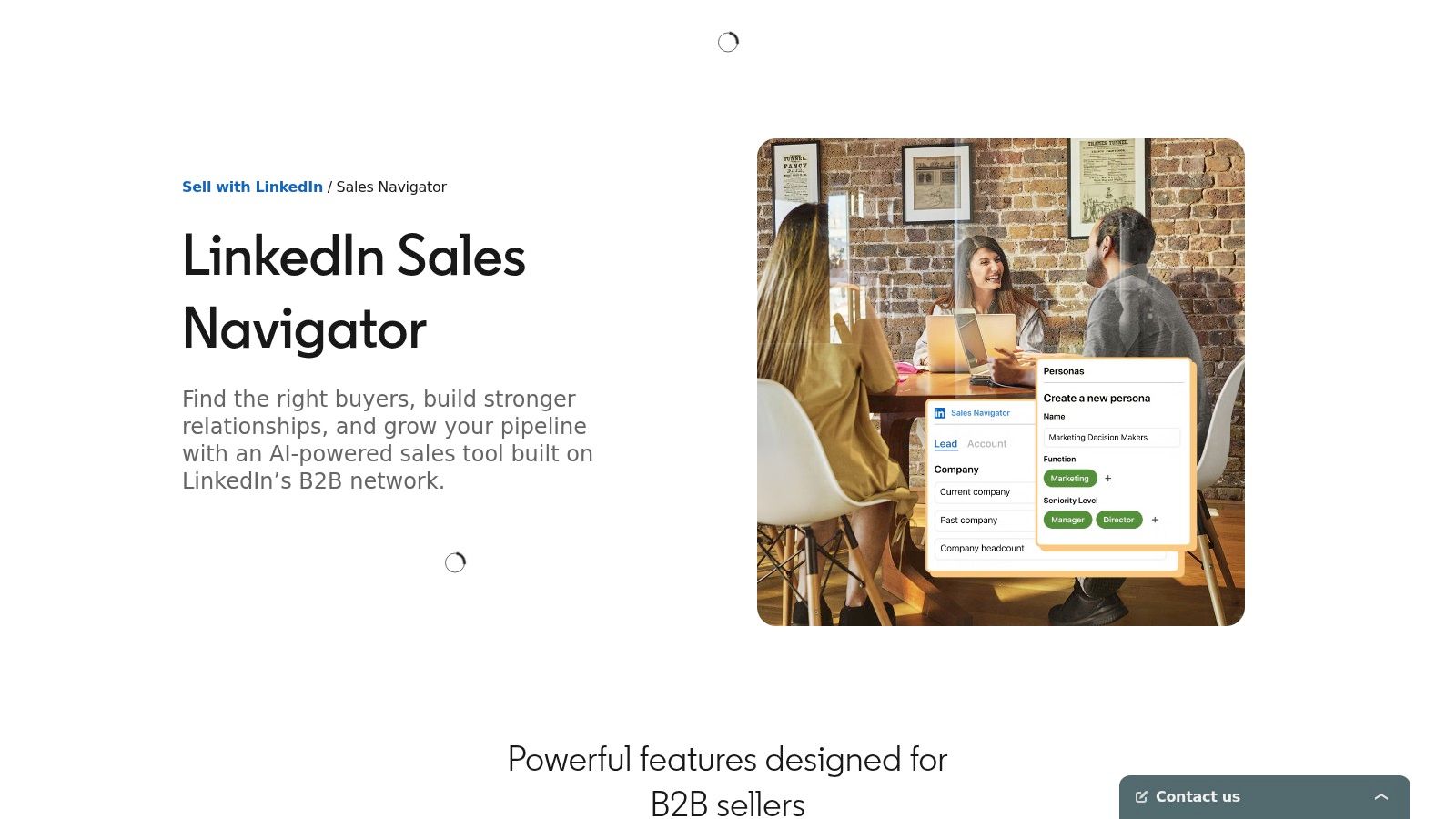
A new operations director may be more relevant than the person still listed in an old contact export. LinkedIn Sales Navigator helps research that professional context through lead searches, account searches, saved prospects and insights.
Its main job is discovery and relationship research. Role history, company information and connections help identify who might own a problem. Saved leads and accounts support ongoing monitoring rather than a single list-building exercise.
Context still needs interpretation
A new appointment can justify further research. It doesn't establish that the new hire has budget, wants external help or controls the relevant purchase. The useful next step is to connect the role change to the problem being sold.
- Strongest use: Finding the right person and understanding their professional context.
- Main gap: It isn't a complete verified-email, mobile-data and email-sequencing workflow.
- Plan consideration: Team collaboration, buyer-intent features and research capabilities vary by plan. See their pricing page.
For consultants and agencies selling expertise, this context can support a more credible approach than a bare contact record. For teams needing exportable, checked contact details and repeatable email outreach, another tool still needs to complete the workflow.
Choose it for research depth, not as a substitute for every outbound function.
4. Clay
Clay is a workflow builder rather than a finished prospect list. It suits RevOps teams and technically comfortable founders who want to decide which sources to consult, what information to collect and how records qualify.
The advantage is control. A workflow can combine company research, contact enrichment and selection rules. Waterfall enrichment can try another provider when an earlier source has no result, rather than ending the search at the first gap.
That flexibility creates work. Someone must define the inputs, inspect outputs, handle missing values and decide which research findings justify outreach.
- Discovery: Assemble lists and add context from multiple sources.
- Timing: Build explicit rules around signals rather than accepting a generic fit score.
- Contact quality: Review provider results and verification states instead of treating every returned value equally.
- Outreach: Plan the handoff into a CRM or engagement system.
Clay's documentation describes enrichment costs being displayed before running options. Platform actions and data credits still need budgeting; see their pricing page.
The wrong starting point is an elaborate workflow without a clear hypothesis. First define the observable event that would make an account worth contacting. Then build the enrichment around that decision. Otherwise, the result can be an expensive spreadsheet containing more detail but no clearer priority.
5. Hunter
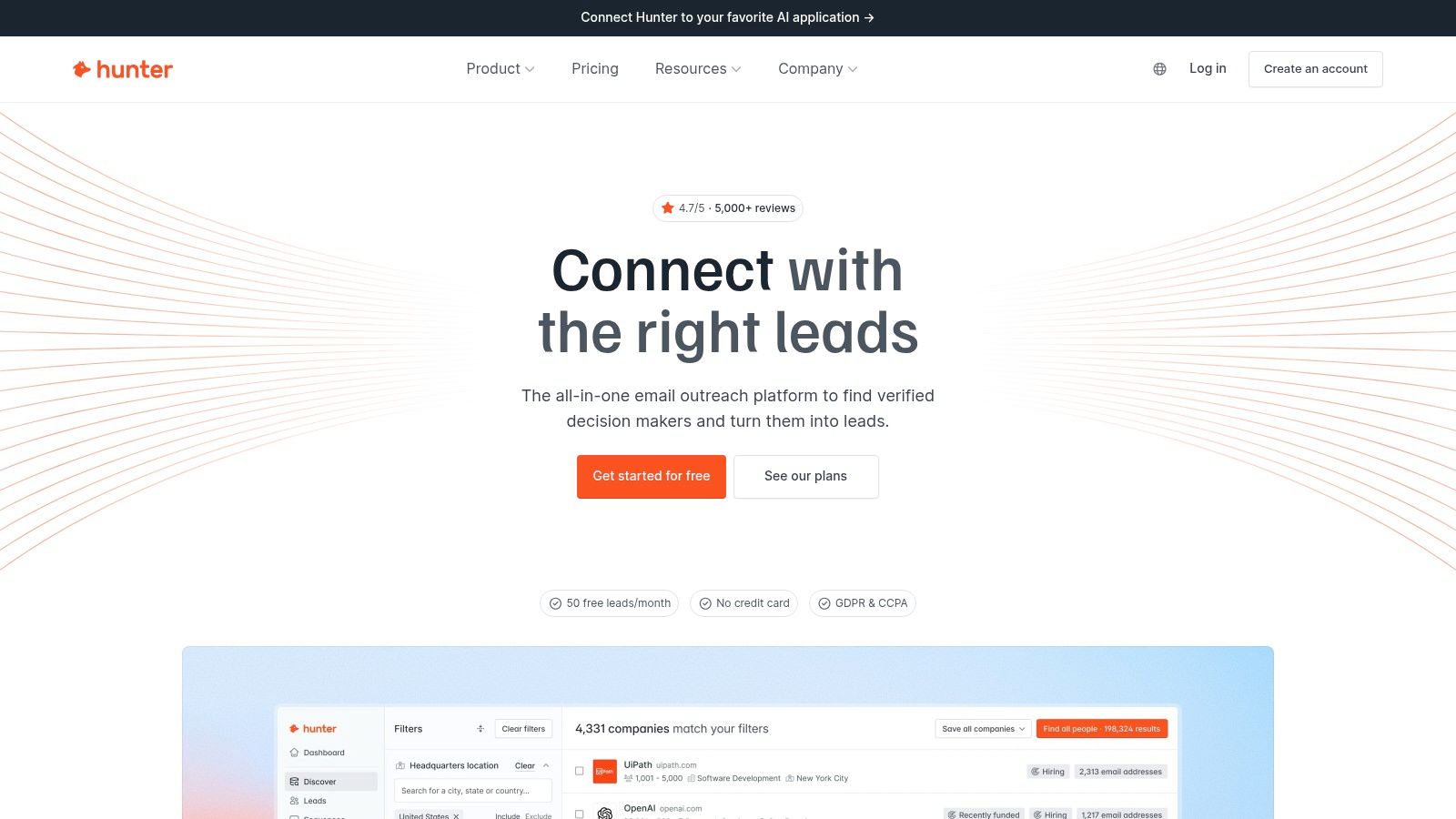
Hunter makes sense when the account and person are already known, but the email isn't. Hunter focuses on professional email finding and verification, with domain search, bulk workflows and company discovery. Its all-in-one offering also includes email sequences.
That makes it a practical addition to a research-led process. A consultant can identify a company with a relevant expansion announcement, find the likely decision-maker and then look for a work address.
Read the status, not just the address
A returned address may come from public evidence or inference. Public-source findings can include where and when an address appeared, but that provenance and a current verification result answer different questions.
The distinction matters when assessing a verified email. This guide to what email verification checks explains why catch-all and uncertain results shouldn't be treated like confirmed mailboxes.
A clean contact record can support delivery. It can't establish interest, authority or a reason to buy.
Hunter's email-first approach is less suitable when mobile numbers are essential. Coverage also depends on the companies and available information being searched.
A free plan allows initial testing; see their pricing page for paid access. Use Hunter to solve the contact gap, while keeping account qualification and timing grounded in separate evidence.
6. lemlist
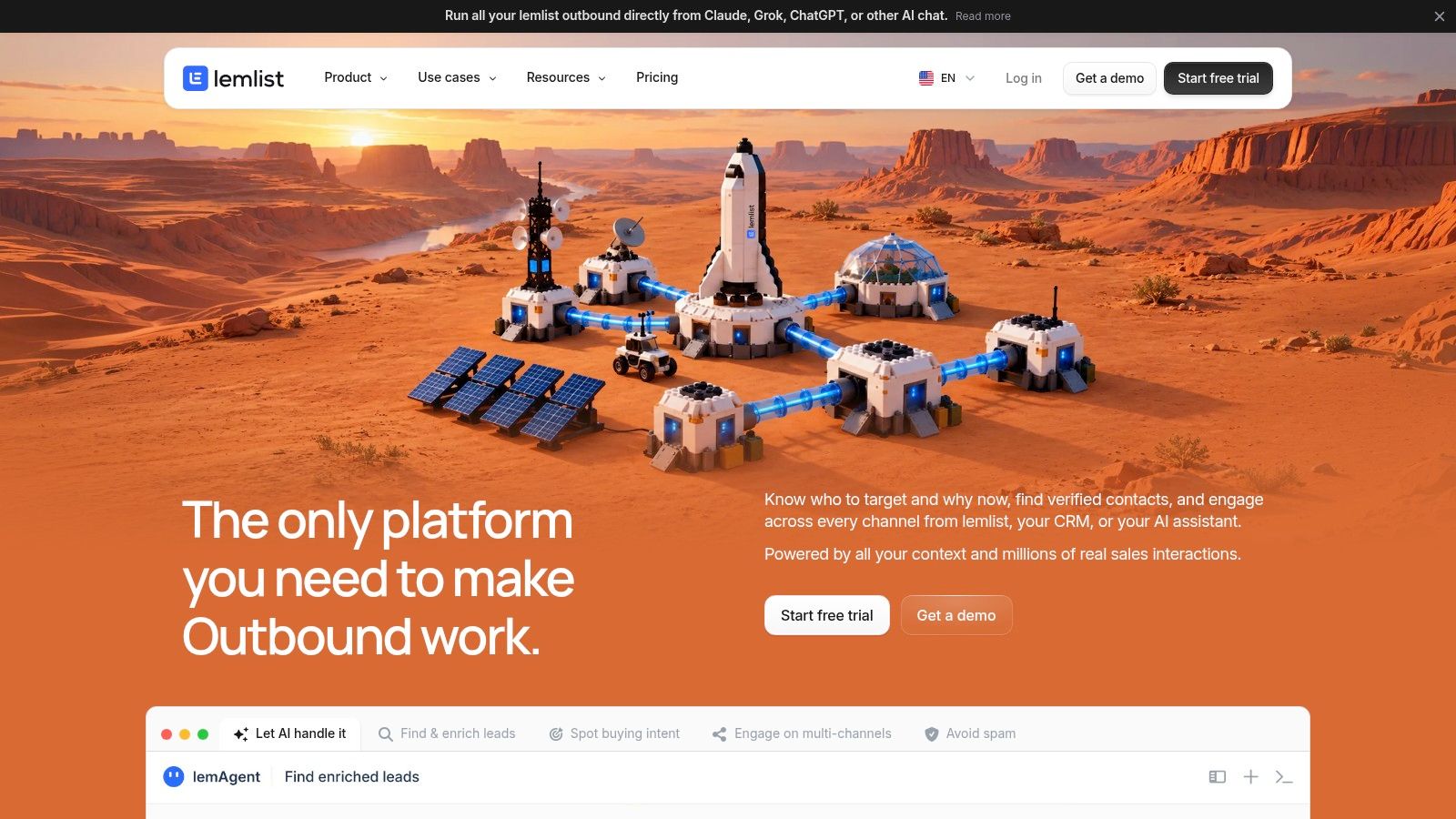
lemlist is most relevant when outreach coordination is the bottleneck. It combines prospect data and enrichment with email and, on multichannel plans, LinkedIn automation, SMS and calling features.
The appeal is a connected execution workflow. Teams can find contacts, enrich records and coordinate approaches across channels rather than managing disconnected campaign tools. The trade-off is that more channels create more decisions about frequency, ownership and when contact should stop.
Separate the costs of engagement from the costs of data. Enrichment and buying-signal add-ons aren't the same purchase as the outreach plan, so see their pricing page before comparing the total workflow with another platform.
- Works well: A team already has clear targeting and needs coordinated follow-up.
- Needs restraint: Repeating the same pitch through email, LinkedIn and SMS doesn't make it more relevant.
- Needs review: Each channel requires its own permissions, platform-policy checks and stop rules.
Useful cold email follow-up templates should provide structure, not an excuse to repeat an unsupported claim. Each follow-up needs a sensible purpose, such as clarifying the offer or adding relevant context.
Don't buy multichannel infrastructure to compensate for weak qualification. Establish why the account deserves contact before deciding how many ways to approach it.
7. Lusha
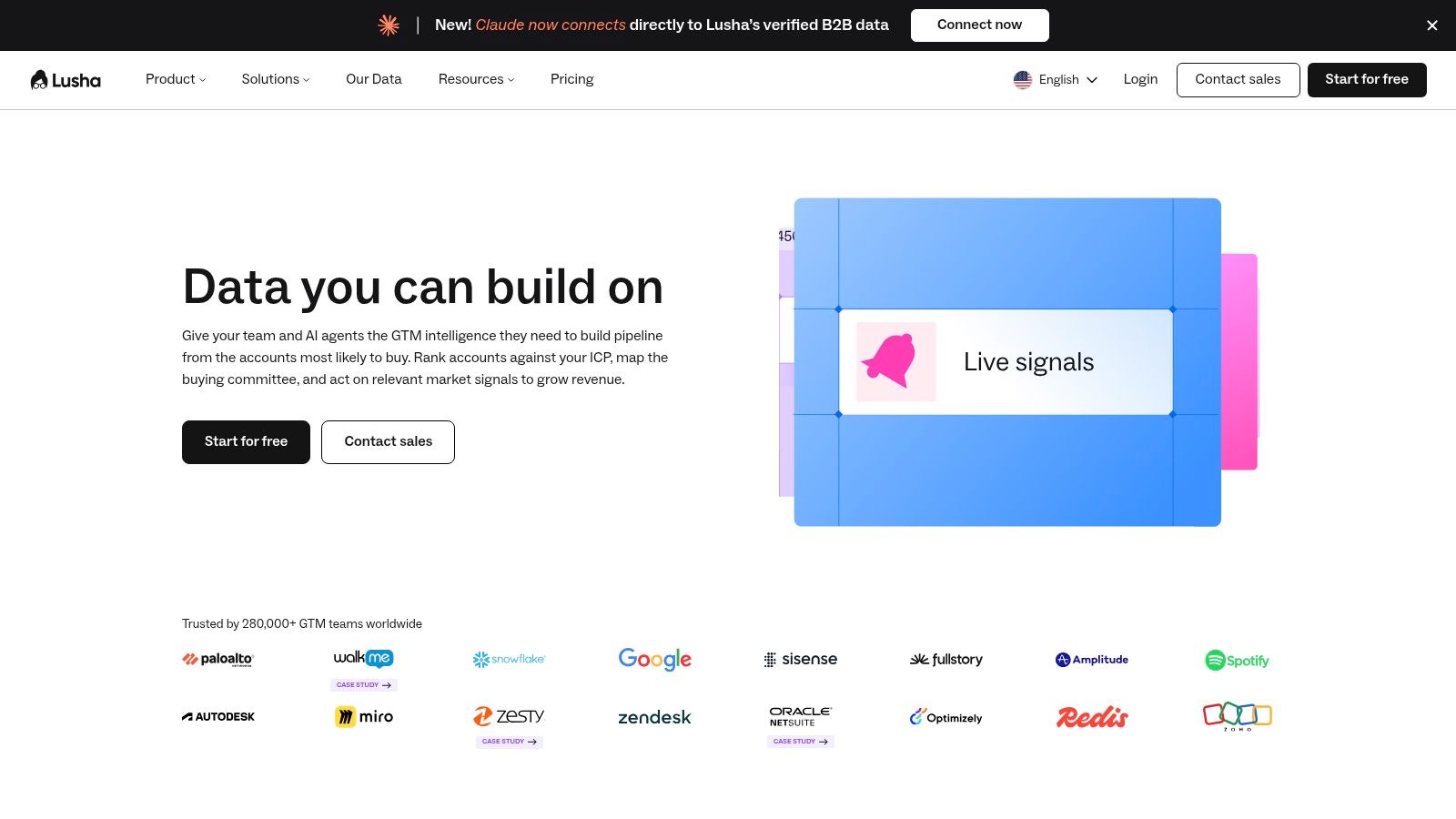
A researcher working through company websites may need contact details without building a custom enrichment system. Lusha supports that workflow through its prospecting platform, browser extension and credit-based contact reveals.
Its role is straightforward contact access. Users can identify people and reveal work emails or phone numbers, with CRM integrations and API options available for broader workflows.
That convenience doesn't remove the need to qualify the account. A phone number attached to the right title remains a contact record until there's a defensible reason to approach that business.
Test the actual territory
Coverage should be evaluated against the intended geography, industry and seniority. A sample dominated by large US technology companies won't establish suitability for independent UK consultancies or specialist Indian manufacturers.
- Useful control: Reveal details only for contacts that have passed an initial relevance check.
- Budget consideration: Phone reveals consume more credits than email reveals.
- Workflow boundary: Researching timing and running outreach may still require other tools.
The comparison of databases for sales helps separate database selection from campaign execution. Those are different purchasing decisions, even when a platform connects them.
A free plan provides an initial test; see their pricing page for plan and credit options. Choose Lusha for accessible contact discovery, not as evidence that every revealed person is ready to buy.
8. Instantly
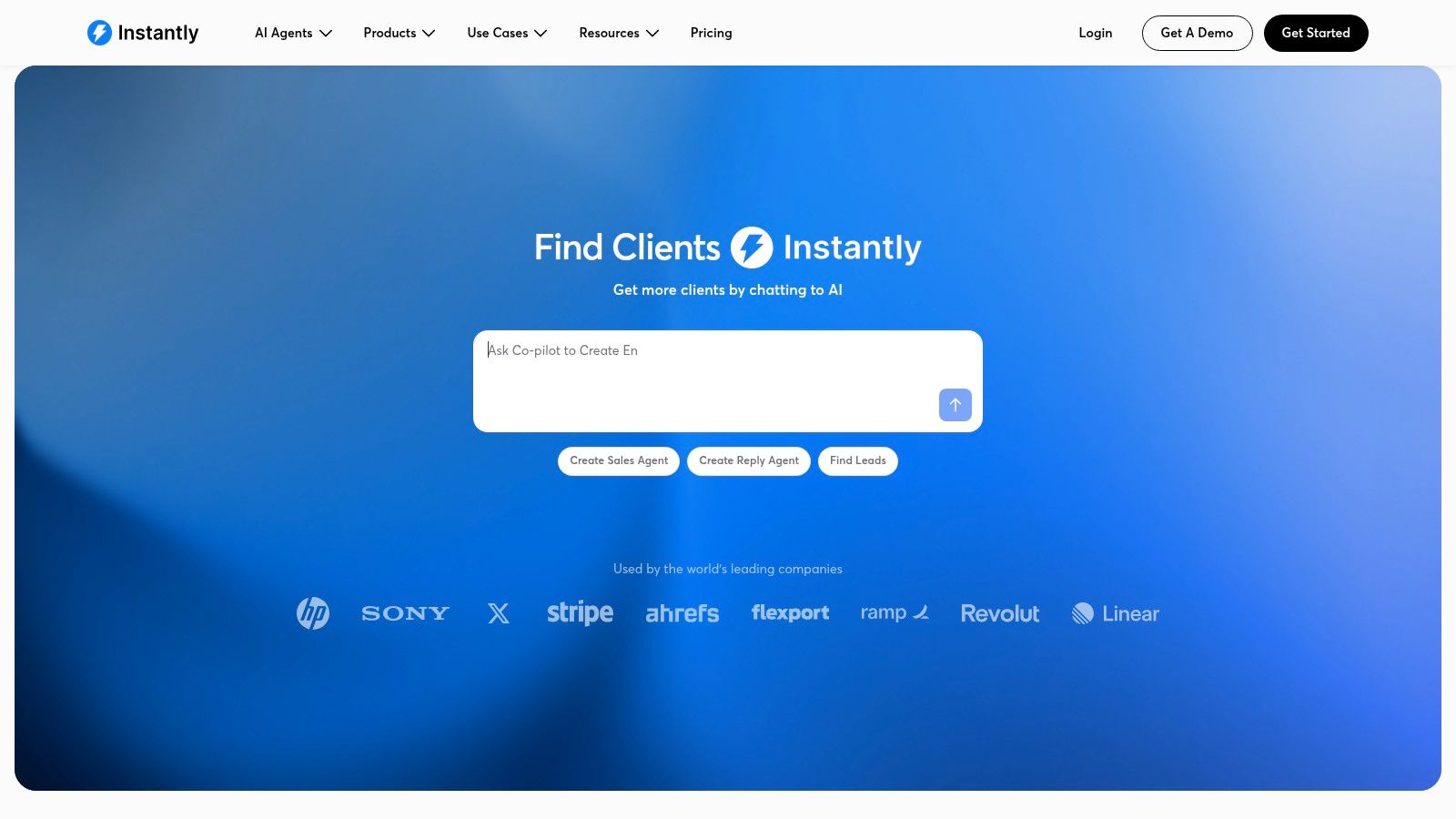
Instantly is a logical candidate when the team intends to run cold email inside Instantly. Instantly combines outbound infrastructure with a separate Lead Finder product for searching contacts, enriching profiles and organising leads.
The connection between discovery and campaigns reduces manual movement. Leads can be saved to lists or routed towards outreach without rebuilding the dataset elsewhere.
The commercial boundary matters. Lead Finder data credits and outbound plans are separate products. Compare the combined requirement, not just the entry point for either component, and see their pricing page.
- Discovery: Search the contact database and build selected lists.
- Contact data: Enrich profiles and obtain verified work emails through data-credit workflows.
- Outreach: Move selected leads into campaigns within the same ecosystem.
- Timing: Inspect the evidence behind account selection rather than treating campaign readiness as buying readiness.
Instantly's help documentation describes credit estimates before a search runs. Usage still depends on the enrichment type and source.
Before launch: Review why each account belongs in the campaign before reviewing the subject line.
This is a good fit for teams committed to an email-led operating model. It's less compelling when another sending platform is already established and the only missing capability is reliable, timely prospect identification.
9. Cognism
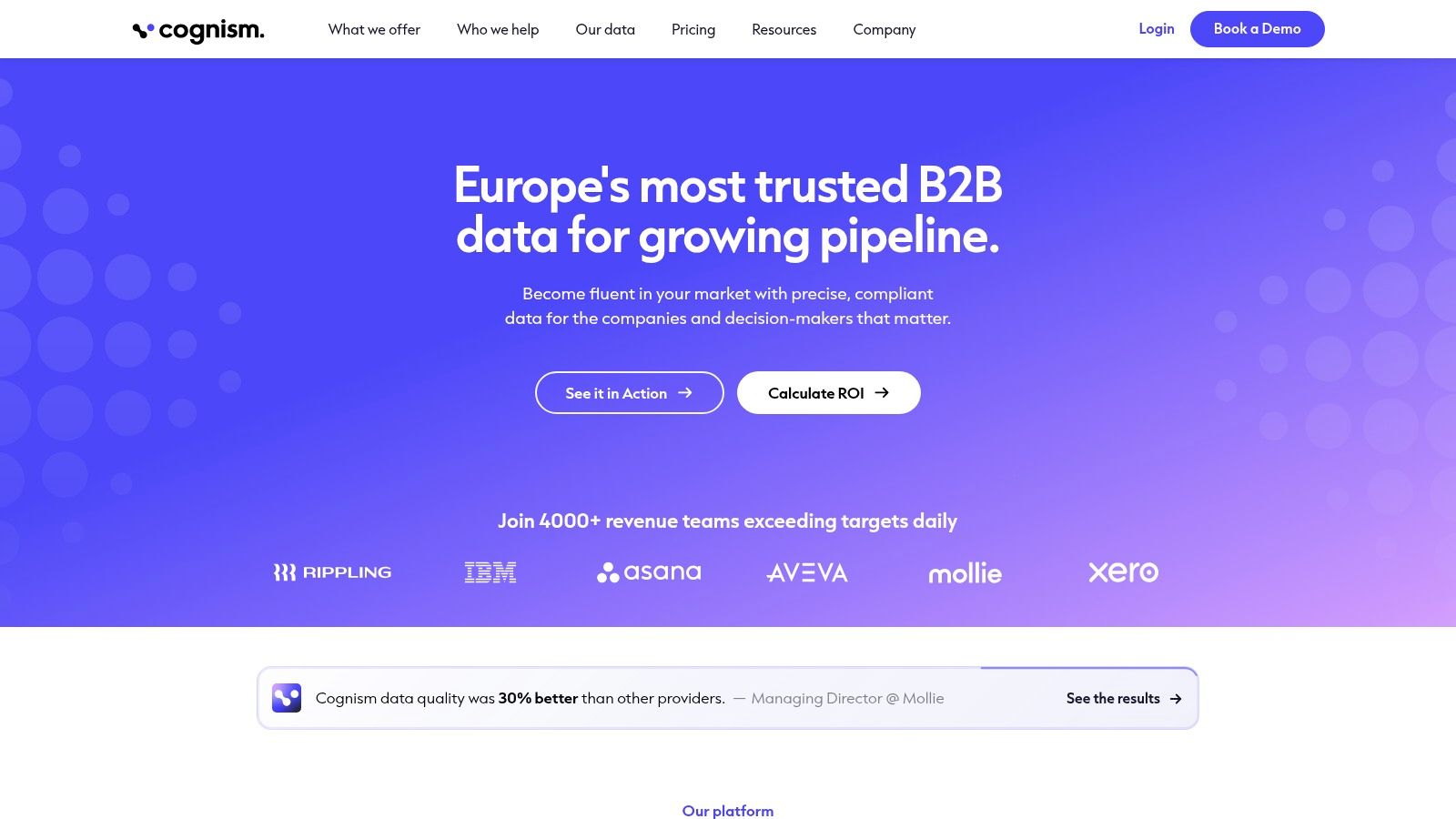
Cognism deserves consideration when calling is central to the sales process. Cognism provides business contact and company intelligence, with an emphasis on UK and European data and phone-verified mobile numbers.
For an established sales team, phone verification addresses a specific operational problem: whether representatives have usable numbers for the people they need to reach. It doesn't solve account prioritisation by itself.
Buy around the calling workflow
A useful evaluation starts with the actual target market and roles. Review contact coverage, mobile availability and how records enter the team's existing systems. Keep contact availability separate from evidence of an active purchasing need.
- Main strength: Phone-focused prospecting and team sales-intelligence workflows.
- Main trade-off: Sales-led purchasing is less convenient than straightforward self-serve access.
- Commercial check: Clarify contact-reveal credits and contract terms before committing. For purchasing information, see their pricing page.
Public contact information also doesn't remove outreach obligations. The UK Information Commissioner's Office distinguishes corporate subscribers from sole traders and some partnerships for electronic marketing, while data-protection obligations still apply.
Choose Cognism for a defined team requirement, particularly phone-led prospecting. A pre-revenue founder seeking a small initial list may find the purchasing process heavier than necessary.
10. UpLead
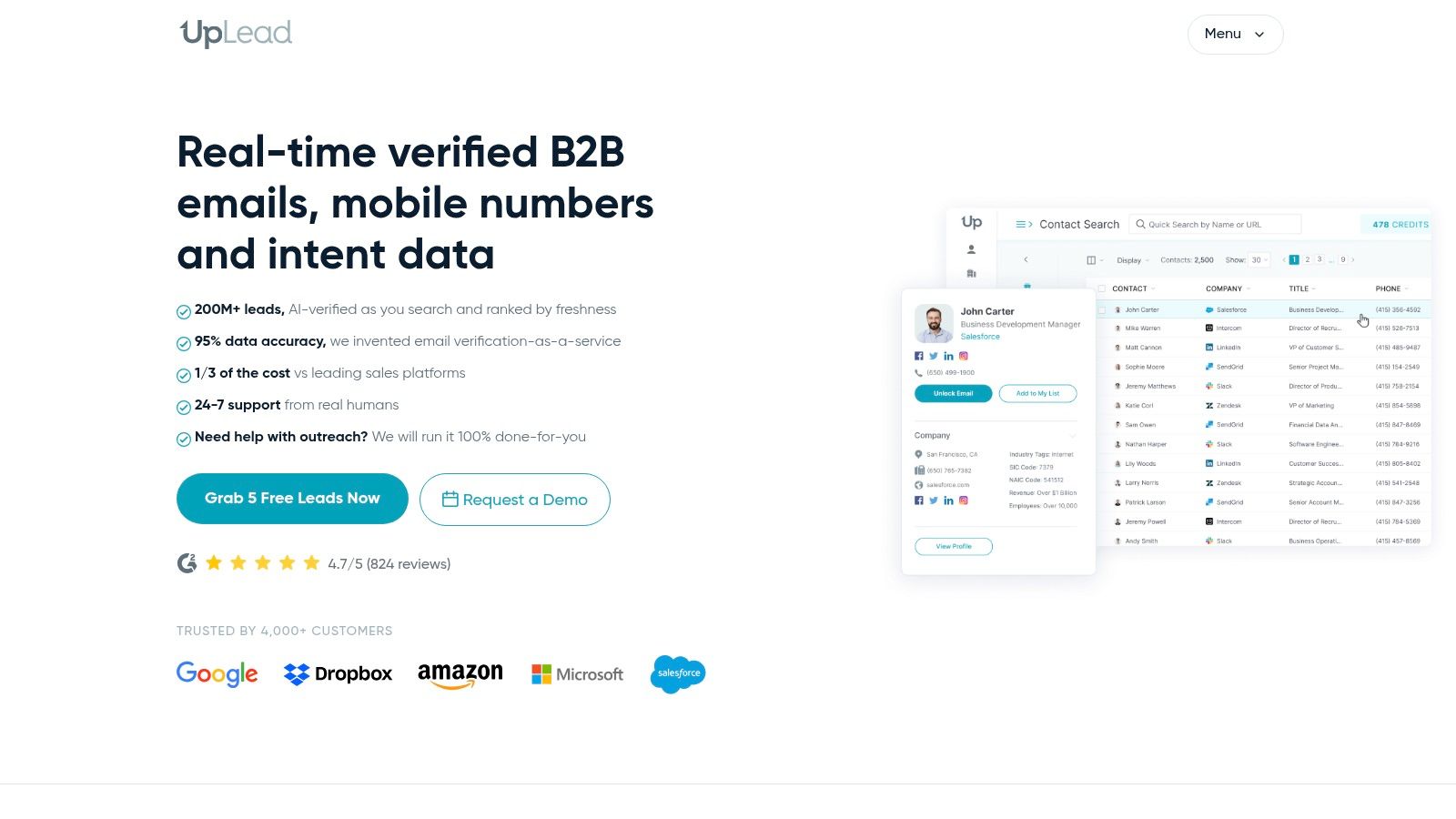
Say a service provider works specifically with companies using a particular software platform. Basic industry and job-title filters won't be enough. UpLead adds technographic targeting alongside company and prospect filters, verified email addresses, mobile numbers and enrichment.
Its natural role is building targeted lists for an existing sales stack. Export and integration options help transfer selected contacts into CRM or engagement workflows.
Technology fit is useful, but it isn't timing. A company using a relevant application may have no intention of changing its process. Hiring for a related project, announcing a migration or requesting implementation help would provide a stronger reason to investigate.
- Strength: Narrowing accounts beyond broad industry and role criteria.
- Useful safeguard: Suppression-list uploads help avoid buying or targeting known contacts again.
- Constraint: Credit limits restrict how many contact records can be accessed.
See their pricing page when assessing plan fit. Test email and phone coverage in the intended territory before scaling access.
For agencies with a defined technical niche, UpLead can make list building more precise. For founders still discovering who buys, those detailed filters can create false confidence. Validate the customer profile through conversations, then use the database to find more suitable accounts.
How the 10 lead generation tools compare
| Best for | Signal-based discovery | Contact verification | Pricing model |
|---|---|---|---|
| SignalVan, recommended for timely, signal-led prospecting | Ranks prospects using dated public buying signals and explains why to reach out | Mailbox-checked work emails and carrier-verified mobile numbers; uncertain results are labeled | Free searches; pay-as-you-go, $40 per 1,000 credits |
| Apollo.io, prospecting and outreach in one platform | Primarily contact and company search; no prominent signal-led discovery described | Email and phone data available through credit-based reveals | Free plan; paid plans from $49 per seat monthly with annual billing; credits apply |
| LinkedIn Sales Navigator, researching decision-makers and professional context | Tracks people and companies; some plans include buyer-intent features | Not a full contact-verification system | From $119.99 per license monthly; Advanced Plus is custom-priced |
| Clay, customizable lead research and enrichment workflows | Can add company or contact context with AI research and signals | Enrichment from multiple providers; verification depends on sources and workflow | Free plan; paid plans from $185 monthly |
| Hunter, email-focused prospecting and verification | Company discovery, but limited signal-based discovery described | Email verification tools and bulk workflows | Free plan with 50 monthly credits; Starter from $34 monthly with annual billing |
| lemlist, multichannel prospecting and outbound | Buying-intent signals available as a separate add-on | Email and phone finding; verification details not specified | Email plan from $55 monthly; Multichannel from $87 per user monthly with annual billing; add-ons separate |
| Lusha, finding contact details through platform or browser | No notable signal-based discovery described | Reveals work emails and phone numbers; verification details not specified | Free plan with up to 40 monthly credits; paid pricing depends on plan and credits |
| Instantly, email outreach teams using Lead Finder | Database search and enrichment; no prominent signal-based discovery described | Finds verified work emails and enriches profiles | Lead Finder from $9 monthly for 150 credits; outbound plans priced separately |
| Cognism, established teams focused on UK and European data | Sales intelligence; specific signal-discovery capabilities not detailed | Phone-verified mobile numbers | Contact sales; credit model for contact reveals |
| UpLead, targeted B2B lists for existing sales workflows | Filter-based prospecting; no notable signal-based discovery described | Verified email addresses and mobile numbers | Plus plan listed at $199 monthly for 400 credits |
Pick the Tool That Matches Your Bottleneck
The right lead generation software should remove a specific obstacle, not create another system to maintain. Separate finding prospects, qualifying timing, checking contact details and running controlled outreach before choosing a platform.
A team without enough suitable accounts needs better discovery. A team with a large list but weak replies should inspect relevance and timing before buying more records. A team reaching incorrect addresses needs contact-quality checks, while a team losing track of approved prospects needs a clearer execution workflow.
Start with a small, signal-led test
Choose a narrow customer group and a specific problem. Find public evidence that makes the problem plausible, then inspect the source and date. A broad audience match belongs in a different category from an explicit request for help.
Public procurement provides a useful example. The UK Find a Tender service publishes procurement notices that can give a seller an identifiable buyer, scope and deadline. That is actionable evidence, although tender eligibility and submission rules still determine whether the opportunity fits.
- Judge discovery by relevance: Would the business reasonably need the offer?
- Judge timing by evidence: Is there a current event connected to that need?
- Judge contacts by status: Are checked details clearly distinguished from uncertainty?
- Judge outreach by control: Can a person review the message and stop further contact?
Track positive replies, invalid contacts, approval edits and progression into genuine opportunities. Keep the selection reason attached to the record so the team can distinguish a weak signal from a weak message.
SignalVan shows estimated credits before each search and keeps leads private to each account, with nothing pooled or resold. Outreach goes only through the customer's own Smartlead after two separate approvals, for campaign creation and sending.
Those controls support review; they don't establish recipient consent. The ICO's marketing guidance explains that valid consent requires a clear positive action and must be easy to withdraw. Sender approval and recipient permission are different things.
Avoid a large annual commitment until the workflow proves useful against the actual target market. The meaningful outcome isn't a larger export. It's a manageable set of relevant accounts with credible reasons for contact and a process the team can operate responsibly.
Find dated buying signals, review ranked prospects and reveal checked decision-maker details with SignalVan, then approve outreach through a connected Smartlead account. Paste your website at signalvan.com to see who's ready to buy this week.
Keep reading

Excel Export Data: How to Keep Your Formatting Intact
Excel Export Data: How to Keep Your Formatting Intact

Marketing Software for Agencies: Top Picks for 2026
Marketing Software for Agencies: Top Picks for 2026
10 Databases for Sales Compared: Coverage and Data Quality
10 Databases for Sales Compared: Coverage and Data Quality
Start with your website.
See your first leads, with the reason each one is there.