Approval Workflow Tools for Sales Outreach: 10 Compared
Approval Workflow Tools for Sales Outreach: 10 Compared
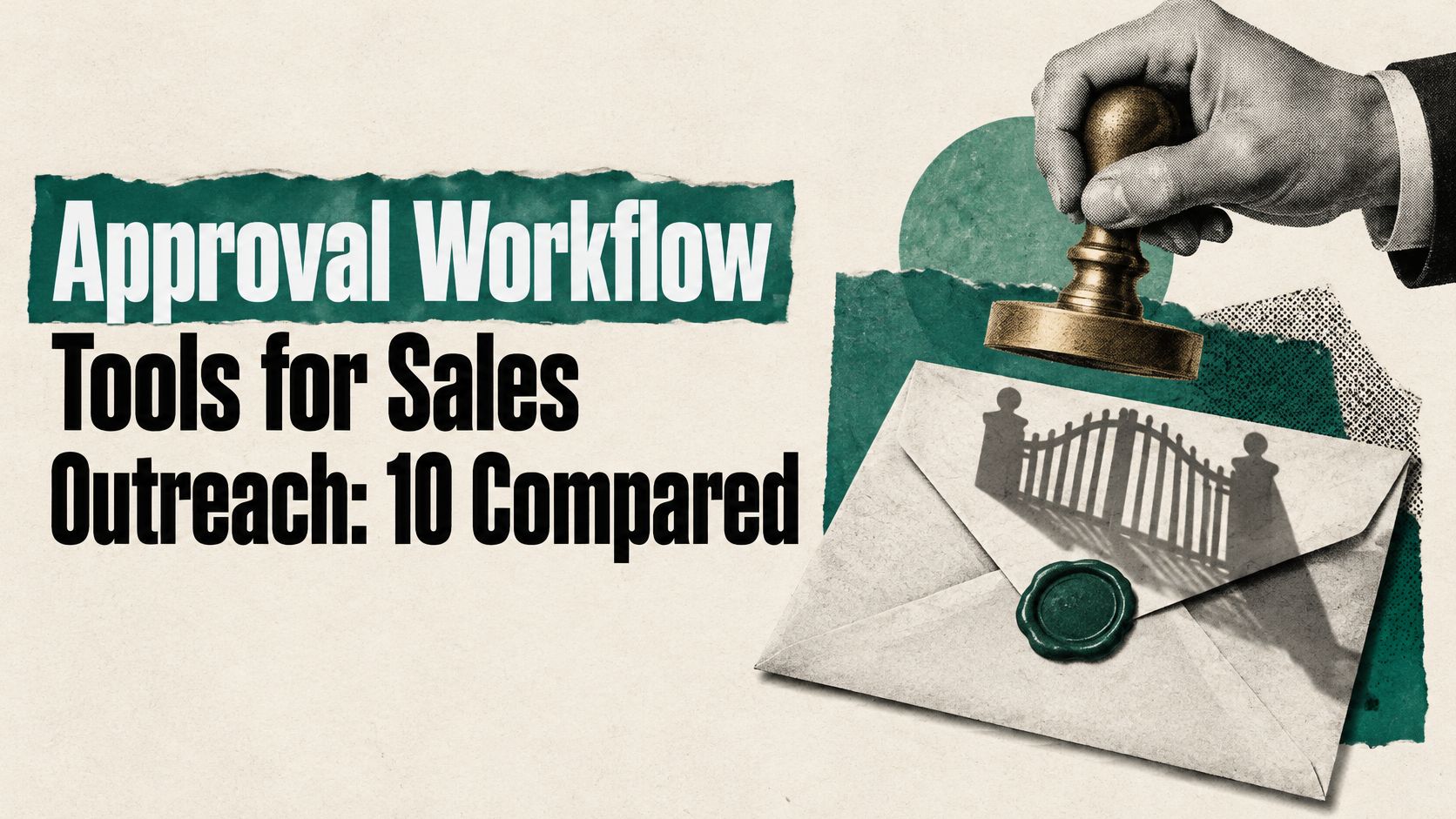
Do not add more approval. Add the right approval. That's the flaw in the usual advice. A long queue doesn't make a message safer if reviewers can't see the recipient, the evidence or the exact words that will be sent. It creates delay, and tired reviewers start to rubber-stamp.
Most approval workflow tools were built for files, tasks or forms. For sales outreach, the question is narrower. Who signs off before a message leaves, and does the tool stop the send if nobody has? The 2025 G2 AI agents insight report found that 34% of organisations used a model in which agents acted first and humans reviewed outcomes afterward because pre-approval slowed automation. Post-action review is too late for outbound. Once an email lands, you can't review it back.
Your outreach process needs a gate before the send button, so check that first. Sort each tool below by the point it gates. File proof, task board, form intake and outbound send are different jobs. A tool that's excellent at one may give you no control over another.
For SignalVan, nothing is sent until you approve the campaign and then approve sending, and it only goes out through your own Smartlead. That separation matters. Approving the prospect list is not the same decision as starting delivery. If a tool can't hold those apart, your team needs a manual rule to fill the gap.
Table of Contents
1. Pitchbox
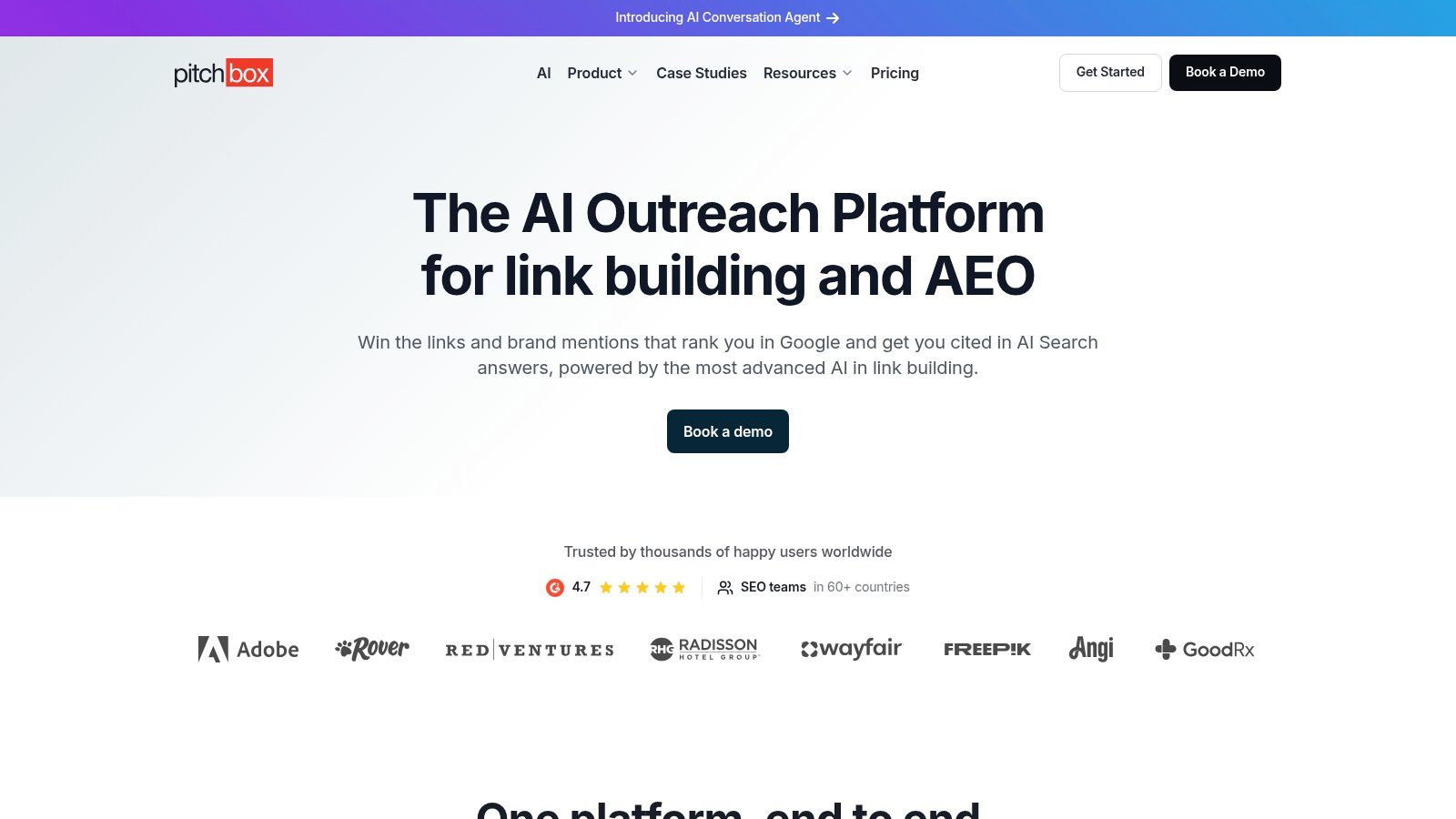
For outbound teams, the key question is whether approval stops the message itself. Pitchbox places manager review at the Compose stage. A manager can accept or reject an opportunity before outreach proceeds, and rejected work returns for revision with reviewer notes.
That makes Pitchbox more relevant to outreach approval than a task board, though it is built primarily for link-building and email outreach. Its workflow follows the human-in-the-loop pattern described in Zapier's approval guidance: pause automation for a decision, then continue or revise based on the response.
What you get
- Stage-based decisions: Managers accept or reject opportunities at a defined point in the outreach process.
- Rejection notes: Feedback travels with the item, so the drafter can see what to change.
- Connected workflow: Prospecting, email finding and verification, personalisation, CRM and sending sit in one platform.
The fit is narrower than general B2B sales. If your team needs simple sign-off, Pitchbox may be more platform than the job requires. Its approval workflow is listed on the Scale plan; check the SignalVan guide to outreach approval when deciding whether your gate should sit in the outreach process or elsewhere.
2. Filestage
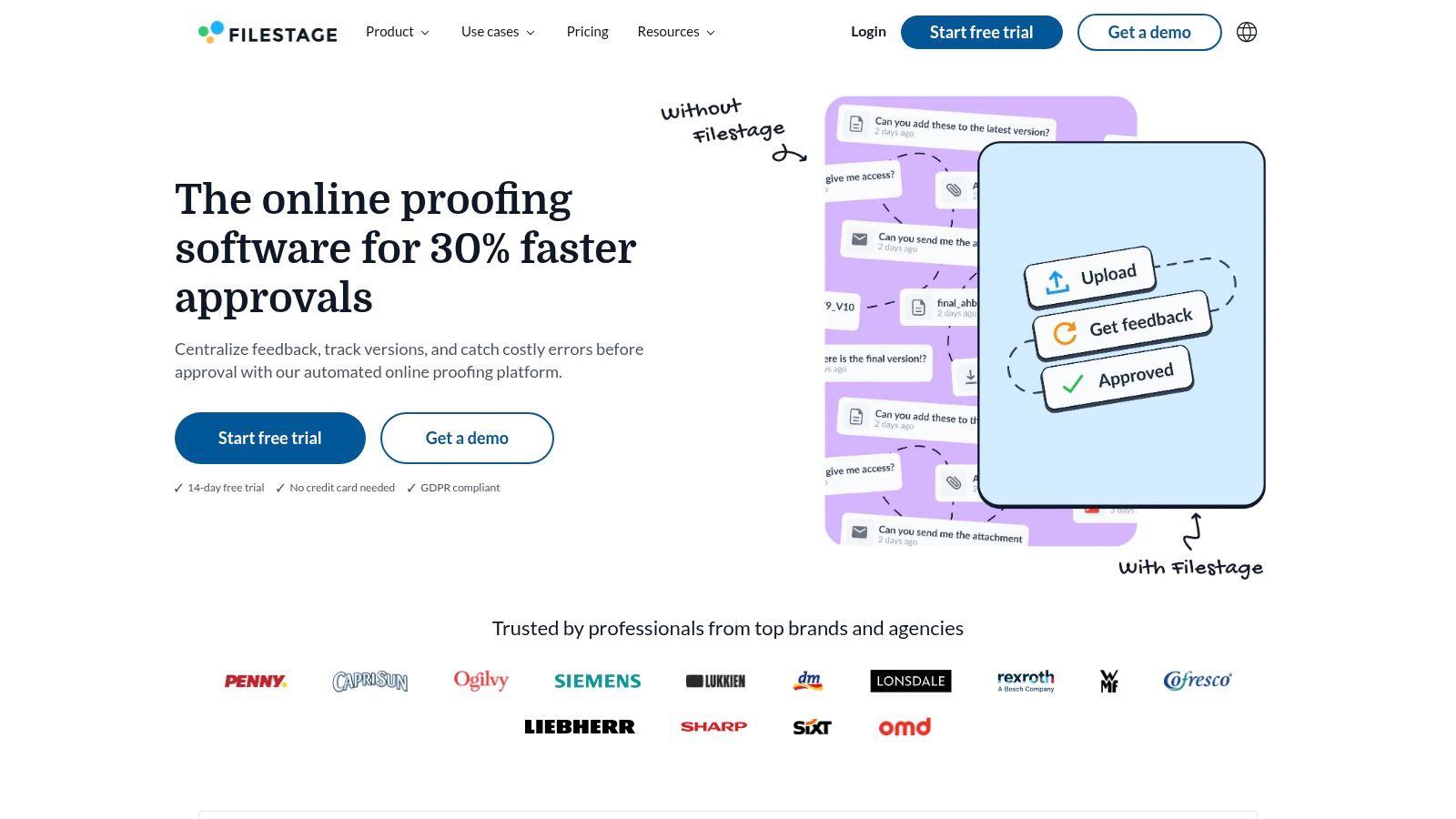
Filestage is built for approving campaign assets, not controlling the send. If a client needs to review a landing page, one-pager and message variants, reviewers can comment on the files instead of scattering feedback across separate channels.
Reviewers can comment directly on documents, images, video, websites and other files. Internal and external groups can review in separate rounds, and each item can be approved or returned for changes. External reviewers may not need an account, which can reduce friction for client reviews.
Approval still depends on people responding. Aimsio's 2025 approval benchmarks found that 59% of digital approvals were completed within 24 hours, across 120,000 approval tickets processed during 2024 and early 2025. Filestage makes review status visible; it cannot make a reviewer act faster.
Where it stops
Filestage gates files and proofs. It does not approve live prospect records or control a connected sending account. A team can approve copy in a document and still paste the wrong version into its sequencer, so add a final check in the sending tool.
Filestage offers a free plan with limits on projects and files, so check its pricing page for current allowances before you rely on it. Choose it to review agency deliverables and shared campaign assets. It is not a standalone safeguard against an unapproved outbound send.
3. Ziflow
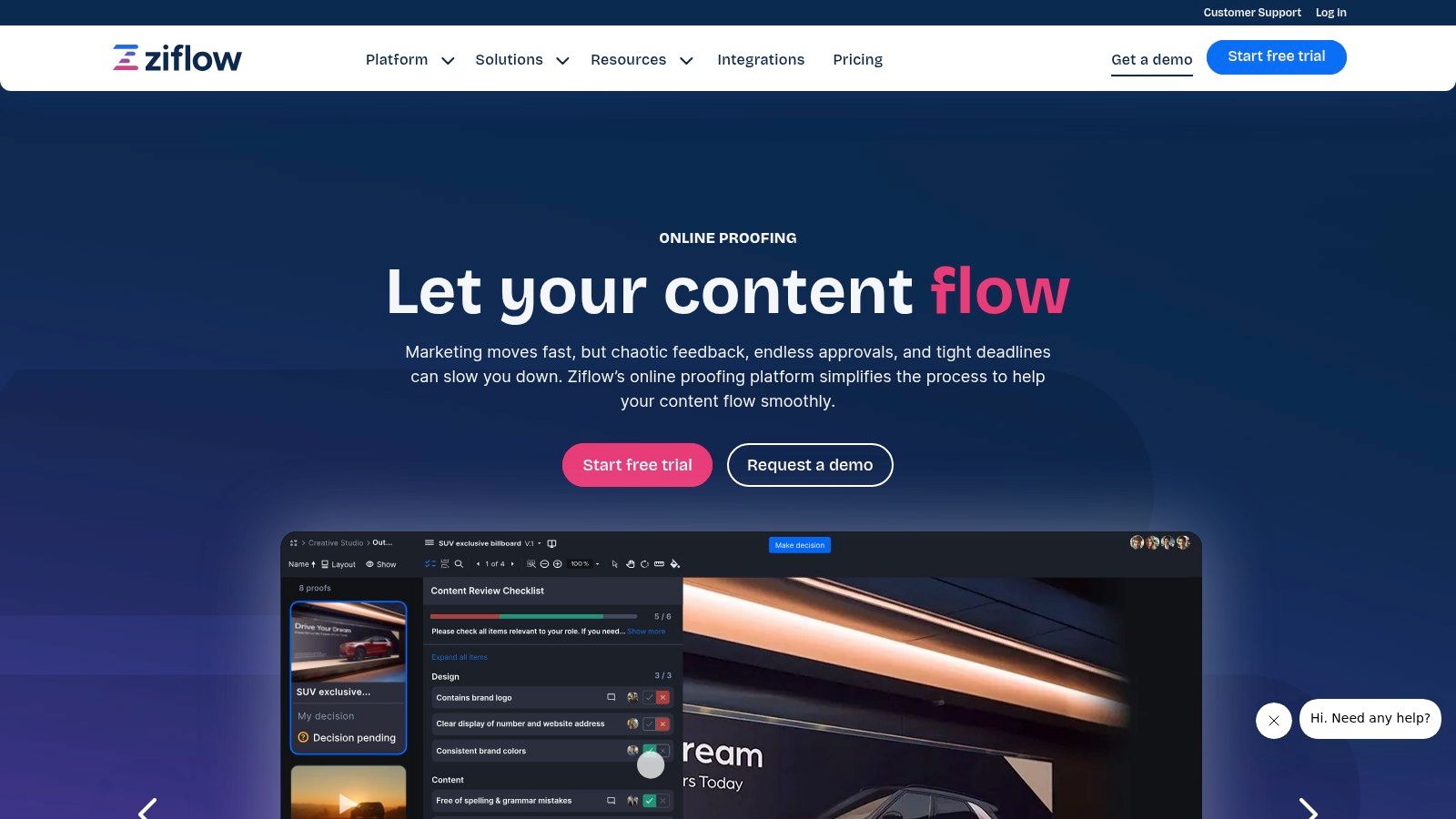
Ziflow is built for teams that need a clear record of which file passed review. Proofs move through sequential or parallel stages, with deadlines, reminders and assigned reviewers. People mark up the file itself, and version comparison shows changes between rounds.
That version control matters for outreach collateral. An approved draft should be the exact draft that reaches the sending tool. Electronic signature workflow guidance emphasizes authenticated participants, clear status changes and a durable record linking a decision to the document or action. Use the same standard for sales copy.
Practical rule: If a draft changes after approval, send the new version back for review.
Ziflow supports unlimited reviewers on listed plans, including external reviewers. Stage-based routing helps when legal, brand and a client must review the same asset in a specific order.
Ziflow offers a free plan with tighter limits on users, stages and storage. Its pricing page sets out the current paid options. The key boundary is scope: Ziflow gates proofs. It does not discover leads, check a verified email or stop a campaign in your sending account.
Choose Ziflow for campaign collateral. Add a separate send-side approval gate for sales outreach.
4. Wrike
Choose Wrike when approval is one step inside a larger campaign project. Approvals attach to tasks, folders or projects. You assign approvers, set due dates, watch decisions in dashboards and connect outcomes to workflow statuses.
Request forms can start the process. That's useful for a launch request because the submitter has to provide the audience, message, owner and deadline before review begins. Wrike also records who approved or rejected and when.
The gain comes from joining routing to the surrounding work. A market analysis citing IDC's 2025 Digital Enterprise Survey reports that enterprises automating core approval workflows achieved a 34% reduction in process cycle time during the first year. That isn't a promise for a small sales team. It is a reason to measure your own cycle time instead of guessing.
The setup cost
Wrike won't decide your gate for you. Your team must configure statuses, permissions and the rule that prevents sending before approval. If that rule lives only in a project comment, someone can still send early.
Approvals are available on Business and higher current plans, or certain legacy plans and add-ons. Small teams may not need the wider project platform. Compare the hands-on sequence on how SignalVan works if the send itself is the control point you care about.
5. Asana

Asana keeps approval simple. An approval is a task with a clear outcome. The reviewer marks work approved, requests changes or rejects it. Approval tasks sit inside projects, can carry subtasks and can be created from existing tasks.
That clarity beats a comment thread ending with looks good. Everyone can see whether campaign work is waiting, cleared or sent back. For a team already running launches in Asana, there's no new system to teach.
Human checkpoints are still less common than vendors imply. Workato's 2024 Work Automation and AI Index found that in 2023, 11% of automated processes included humans in the loop, such as approval or exception-handling steps, across 82,000 automated processes. Adding an approval task is progress. It isn't enforcement.
Watch the permissions
An approval task can be completed by someone other than the assignee. Check project permissions before you treat the status as authority to send. Name the accountable reviewer in the task and require the decision state, not just task completion.
Approvals are listed on Advanced, Enterprise and Enterprise+ tiers. See their pricing page. Asana suits internal coordination around a campaign. It doesn't proof files in depth and it doesn't prevent sending through another system.
Use it to track the decision. Put the actual block in the sending workflow.
6. monday.com
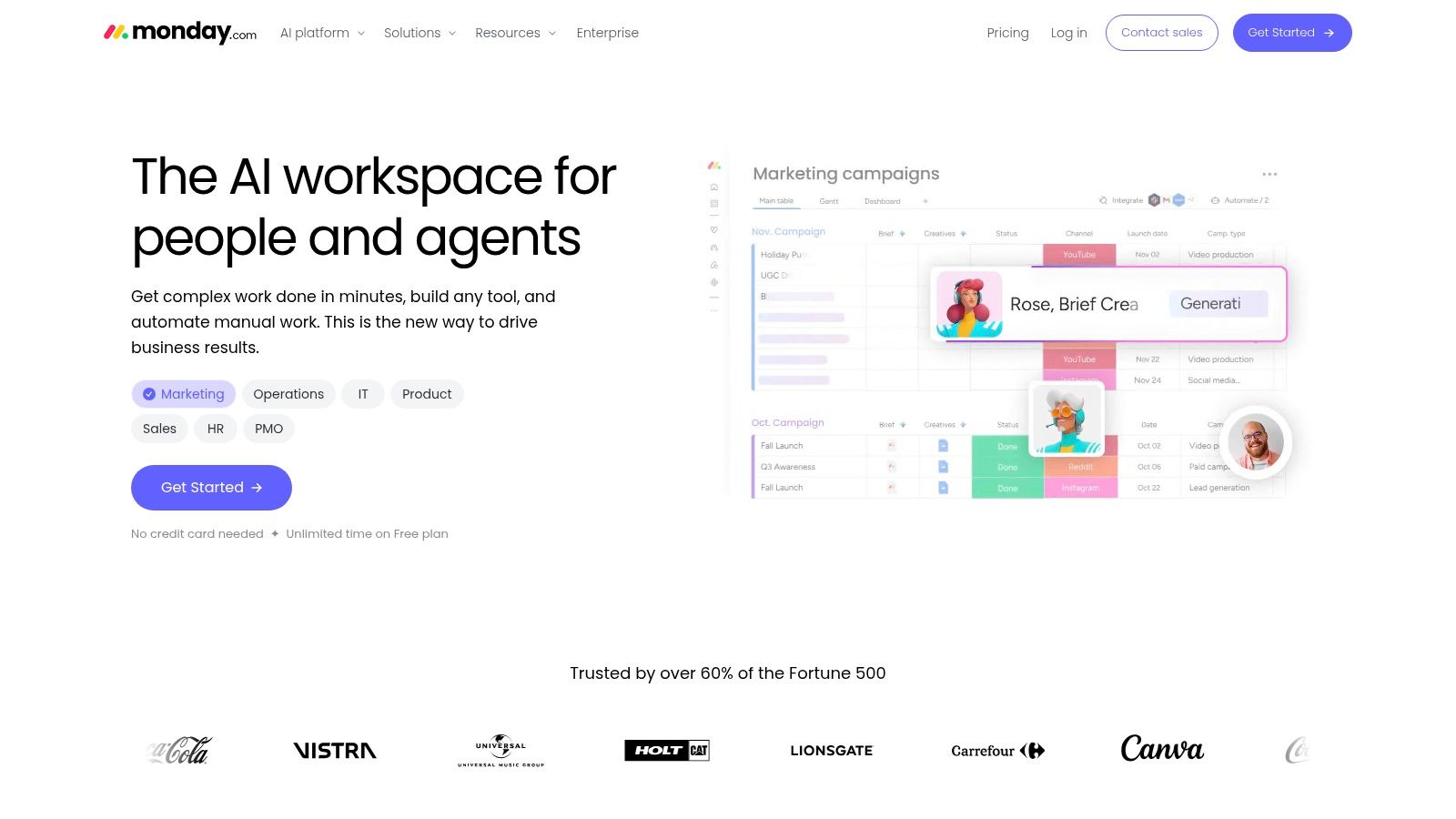
A board can make a stuck approval obvious in five seconds. That's the appeal of monday.com. Each request becomes an item with an owner and a status. You move work through draft, review, changes and approved, then use automations to notify the next person.
Build one board for campaign reviews. Add columns for the prospect segment, message link, reviewer, decision date and sending owner. Don't bury approval inside a general marketing board where urgent sends compete with low-risk tasks.
Adoption doesn't equal control. Camunda's 2024 State of Process Orchestration report found that in 2024, 50% of business processes were automated, down from 52% in 2023. A colourful board can still depend on people remembering the rule.
- Visual status: Pending reviews are easy to spot in a stand-up.
- Flexible boards: Templates can be adapted for content, campaigns or client requests.
- Automations on paid plans: Status changes can trigger notifications and handoffs.
The weakness is rigour. Approval behaviour mostly depends on how you configure boards and permissions. A status can be changed without the evidence trail a dedicated proofing tool would keep.
The free plan is limited to two seats and three boards. Paid pricing is per seat, so see their pricing page. Choose monday.com for visibility across a team, not as proof that an unauthorised send can't happen.
7. Kissflow
Kissflow suits teams that need structured request forms and approval routes across several processes. You can set required fields and validation rules, then let reviewers approve, reject or return a request for revision. Actions are logged.
For a campaign launch, require the audience, data source, message owner and planned send date. A launch form needs field-level evidence and permission rules, not just an approver's name.
Kissflow is a workflow gate, not a prospecting tool or an outbound sending control. It can collect a launch request and route it for review, but the process still depends on how you configure its fields and permissions. For signal-based prospect research, see how SignalVan connects public buying signals to prospecting.
Pricing is quote-based, and the vendor describes fixed annual agreements. Check the pricing page and confirm integrations before committing. For one outreach queue, the setup may outweigh the benefit.
8. Jotform Workflows
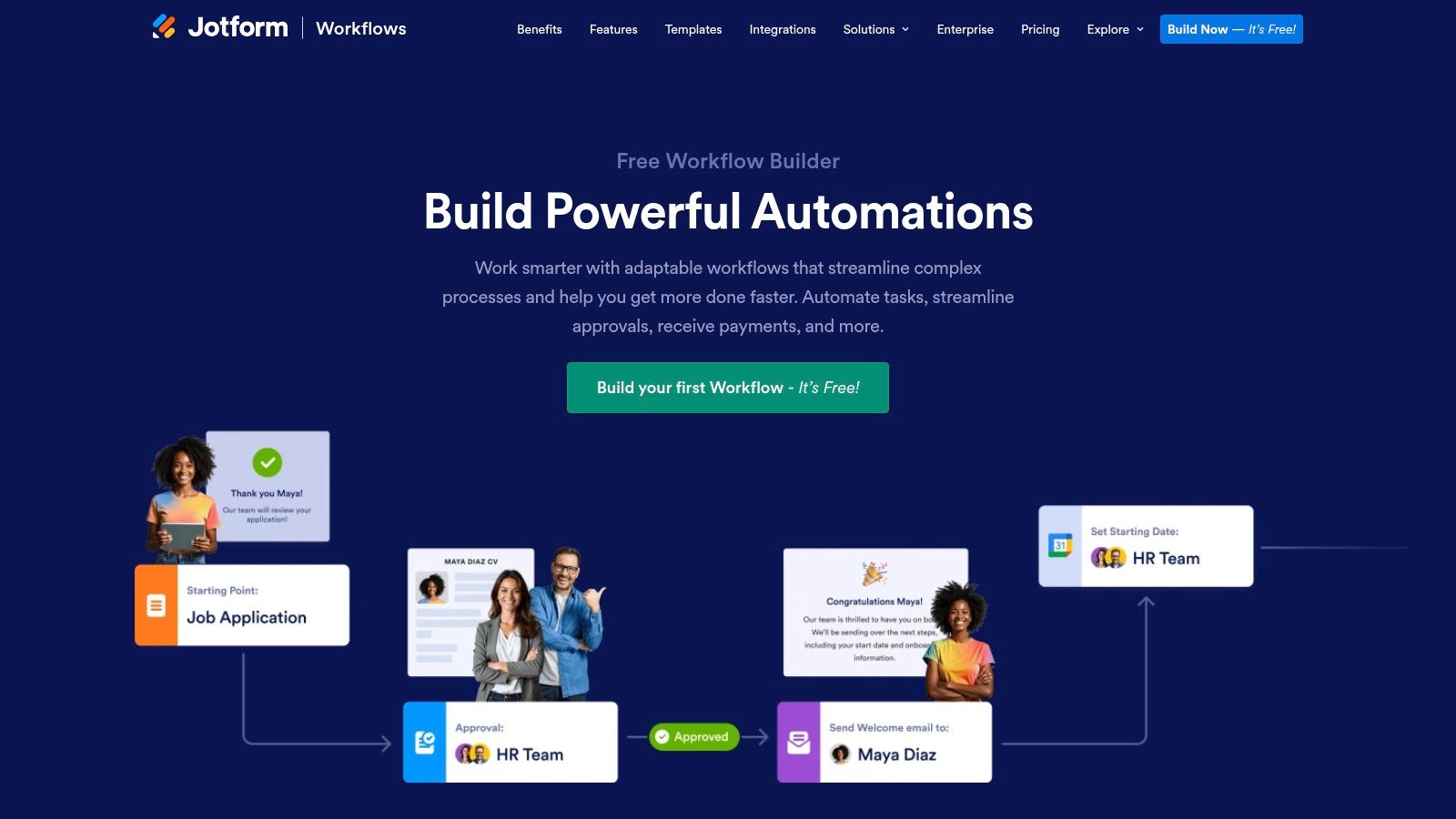
Jotform Workflows puts a form between a request and its approvers. The drag-and-drop builder supports individual, group and sequential approvals, with conditional logic, notifications, task assignments and signatures.
For a small sales team, a campaign request form can collect the audience, prospecting signal and draft in one place. A founder can review the audience first, then pass the copy to a sales lead. That creates a clear record of the decision, but it does not itself control what gets sent from an outreach platform.
Keep the form honest
Require the recipient type, the signal behind the prospect, the exact draft and the sending account. If the live message sits elsewhere, reviewers may approve a version that differs from the one sent.
The trade-off is duplication: campaign details often need to be copied from prospecting or sending tools into the form. A free option is available, but check Jotform's pricing page for current plan tiers and approver limits before committing.
9. Pipefy
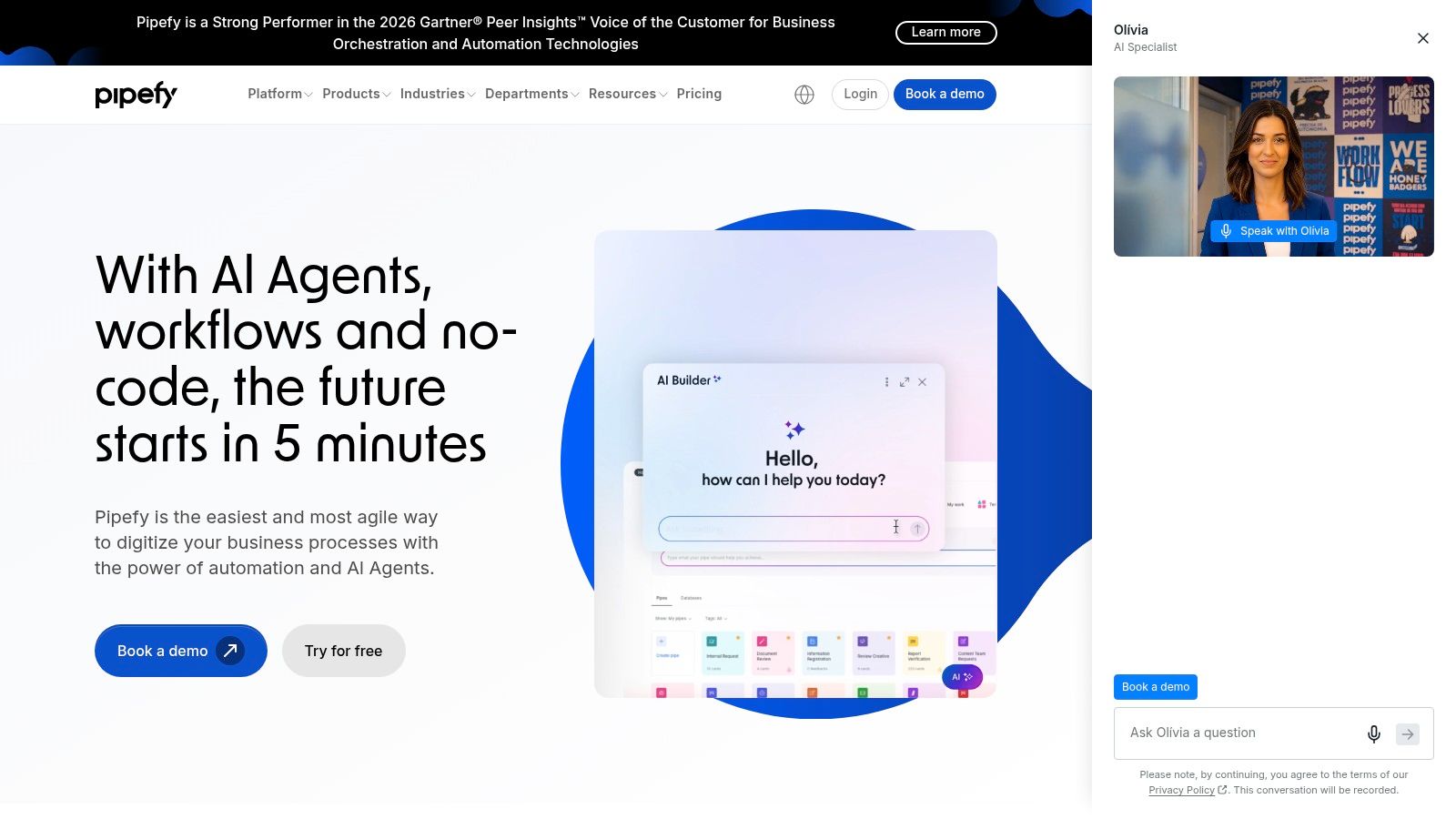
Pipefy turns approval into a visible queue. Requests enter through standardised forms, move through stages and get routed by conditions such as type, amount or department. Notifications, activity logs and request tracking show where each item is waiting.
That structure suits recurring handoffs. Route enterprise campaigns to a senior reviewer. Send partner outreach to the partnerships owner. Keep routine follow-up copy with the team lead. The queue makes uneven workloads and old requests hard to ignore.
Build the intake carefully. Your form should carry the company, named contact, source evidence, draft message and intended channel. Without that context, fast approval just means fast guessing.
Where Pipefy fits
- Standard intake: Every request arrives with the same fields.
- Conditional routing: Higher-risk work reaches a different approver.
- Stage visibility: Owners can see delays without chasing updates.
Pipefy can work as a separate outreach review queue, but campaign details need to be connected or transferred from the tools that hold the lead and the send. Every manual transfer creates a chance to approve one version and send another.
The free Starter plan supports up to five processes and ten users. Business and Enterprise pricing is quote-based, so see their pricing page. API access, integrations and role-based access depend on plan. Choose Pipefy for structured process queues. Don't buy it for one lightweight copy check.
10. Process Street
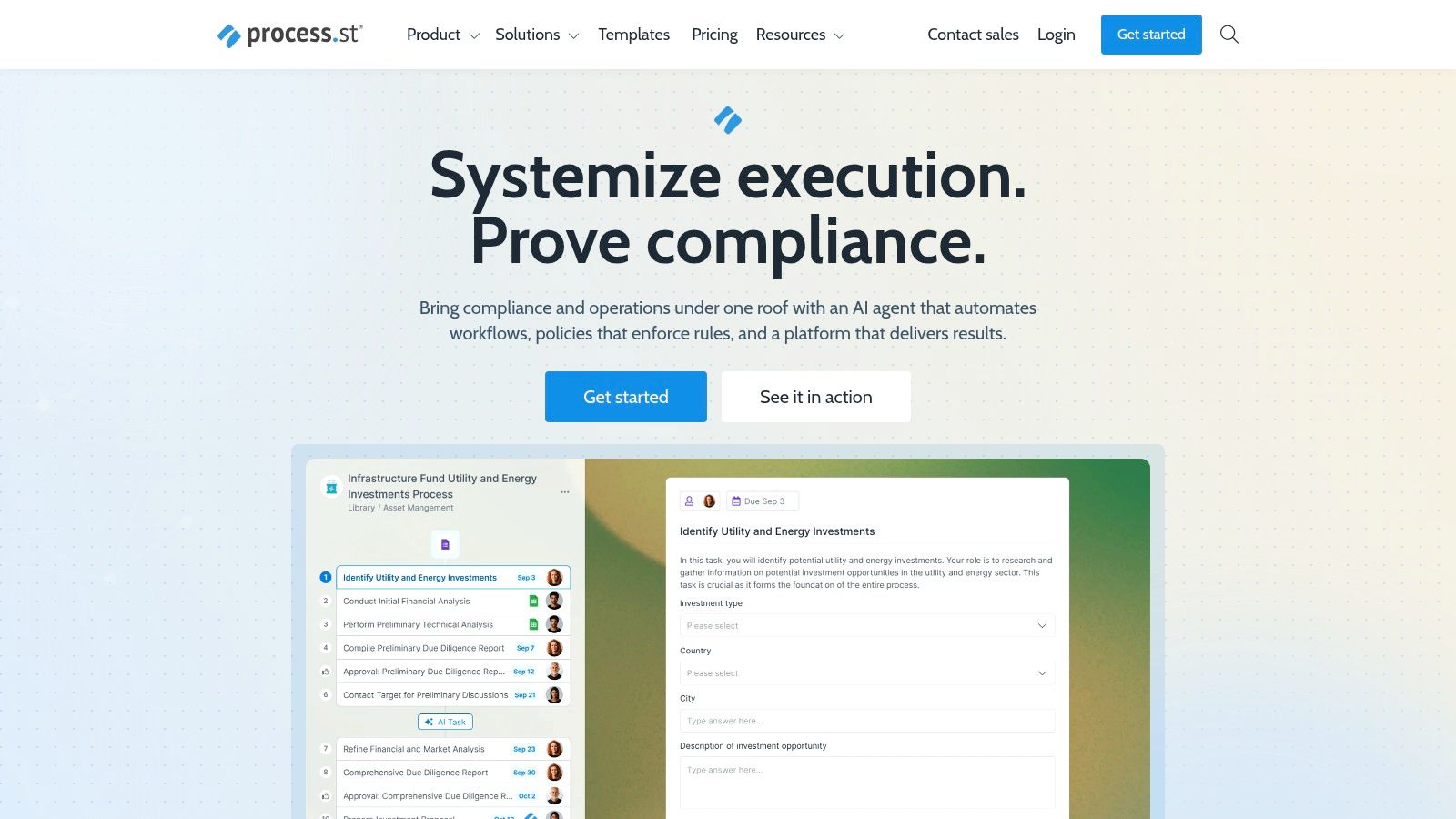
Process Street documents the steps around the decision. Approval sits inside a repeatable checklist, alongside tasks, conditional logic and handoffs. That makes it useful for campaign onboarding, prospect-data checks and launch-readiness reviews.
Say a lead-gen agency onboard a new client. The checklist can require the target account rules, sample messages, sending domain checks and client sign-off before the first campaign is built. The approval isn't floating on its own. It depends on earlier steps being completed.
That's the strength and the cost. A checklist gives new team members a clear route. It also feels heavy for a one-off decision on a short outreach draft. Process Street isn't built for detailed copy proofing like Ziflow, and it isn't an outreach platform like Pitchbox.
Check before you commit
Test whether reviewers can see the exact draft, the prospect evidence and the reason for contact without opening three other tools. If they can't, the checklist will record confidence that the evidence doesn't support.
Pricing is custom-quoted, and new accounts receive a 14-day Pro trial according to the vendor. See their pricing page. Choose Process Street when the procedure matters as much as the decision, especially for repeatable client launches and operational handoffs.
For a single message approval, it's more process than most small teams need.
How each approval tool handles review, free access, and outreach fit
| Item | Free option | Where approval sits | Best for |
|---|---|---|---|
| Pitchbox | No free option stated; approval is on Scale | In the outreach workflow at Compose | Link-building and email outreach teams |
| Filestage | Free plan; limited to one active project and five new files monthly | On files and proofs, with review rounds | Marketing teams and agencies reviewing assets |
| Ziflow | Free plan; limited workflows, users, storage, and history | In staged proofing workflows | Creative teams approving campaign assets |
| Wrike | Approvals not available on Free or Team plans | On tasks, folders, or projects | Teams coordinating approvals with project work |
| Asana | Approval feature requires higher-tier plans | In project tasks with approval outcomes | Teams already using Asana for internal coordination |
| monday.com | Free plan; limited to two seats and three boards | On configurable board items and statuses | Teams wanting visual, adaptable review tracking |
| Kissflow | No free option stated; pricing is quote-based | In configurable form-based workflows | Organizations formalizing multiple approval processes |
| Jotform Workflows | Free option with workflow and approver limits | In form-submitted workflows with approval routing | Teams setting up simple form-based approvals |
| Pipefy | Free Starter plan for up to five processes and ten users | In staged processes with conditional routing | Teams managing recurring requests and handoffs |
| Process Street | 14-day Pro trial | In checklist and procedure steps | Teams embedding approvals in repeatable workflows |
Choosing the Right Gate for Your Outreach
Start with one question. Where does the approval sit? If it sits on a file, a proofing tool will do. If it sits on a task, a work-management tool will do. If it has to sit before a sales message leaves, check that the tool stops the send until someone signs off.
Don't accept a status as a substitute for a block. A board can say approved while a sequence is already live. A form can record approval for a summary while the draft changes later. A proof can be signed off, then pasted into the wrong campaign. Your control has to connect the exact message, the named reviewer, the decision time and the sending action.
Test that connection with a deliberately bad draft. Submit it without approval and try to send. Edit it after approval and try again. Remove the assigned reviewer and see where the request goes. The tool should fail closed, keep the earlier version visible and leave a record your team can export.
UK outreach adds a legal reason to review the recipient, not just the words. The ICO direct marketing guidance explains that PECR treats sole traders and some partnerships as individual subscribers, so unsolicited marketing email generally requires specific consent or a compliant soft opt-in. Marketing emails to limited companies and limited liability partnerships do not require consent under the electronic-mail rule, but data-protection law still applies to a named contact's personal data. Every message must identify the sender and provide a way to opt out.
Consent also has mechanics. The ICO guidance on planning direct marketing states that valid consent must be freely given, specific and informed, and based on clear positive action. A public profile, news item or tender listing is not automatic permission to contact an individual. Separate discovery, enrichment, drafting and final approval so a person can check each step.
Deliverability gives you a second practical check. Google's sender guidance says senders should keep their spam rate below 0.1% and prevent it from reaching 0.3% or higher. Approval is the point where weak prospects get removed, personalisation gets corrected and doubtful addresses stay out. Mailbox-checked contacts and explicit uncertainty labels should be treated as different outcomes, not hidden behind one confident list.
Approve the reason for contact, the person, the message and the send. If one of those changes, review again.
Signal-first prospecting adds the question before drafting. The account should show buying signals, such as a job post for the role you sell to, a funding round, a tender or a new decision-maker. Timing decides whether the message is worth reviewing at all. A neat approval process applied to a stale list still wastes reviewer time.
SignalVan finds companies from those public signals, shows the source and date on each lead, and supplies mailbox-checked work emails with catch-all and unknown results labelled. Each lead should carry a verified email before it counts as ready. Draft replies also wait for approval rather than being dispatched on their own.
Every first message waits for you to read, change and approve it before it is sent. Nothing is sent until you approve the campaign and then approve sending. Paste your website at signalvan.com to see who's ready to buy this week.
SignalVan ranks prospects from dated buying signals, verifies decision-maker contact details and drafts the first message for your approval, with sending kept in your own Smartlead account. If your current approval process can't stop an unapproved send, visit SignalVan and test the gate before your next campaign.
Keep reading
Prospect Rankings That Show Who to Contact
Prospect Rankings That Show Who to Contact

Velocity in Pipeline Formula and How to Lift It
Velocity in Pipeline Formula and How to Lift It
Email Address Verifications: What Each Result Means
Email Address Verifications: What Each Result Means
Start with your website.
See your first leads, with the reason each one is there.